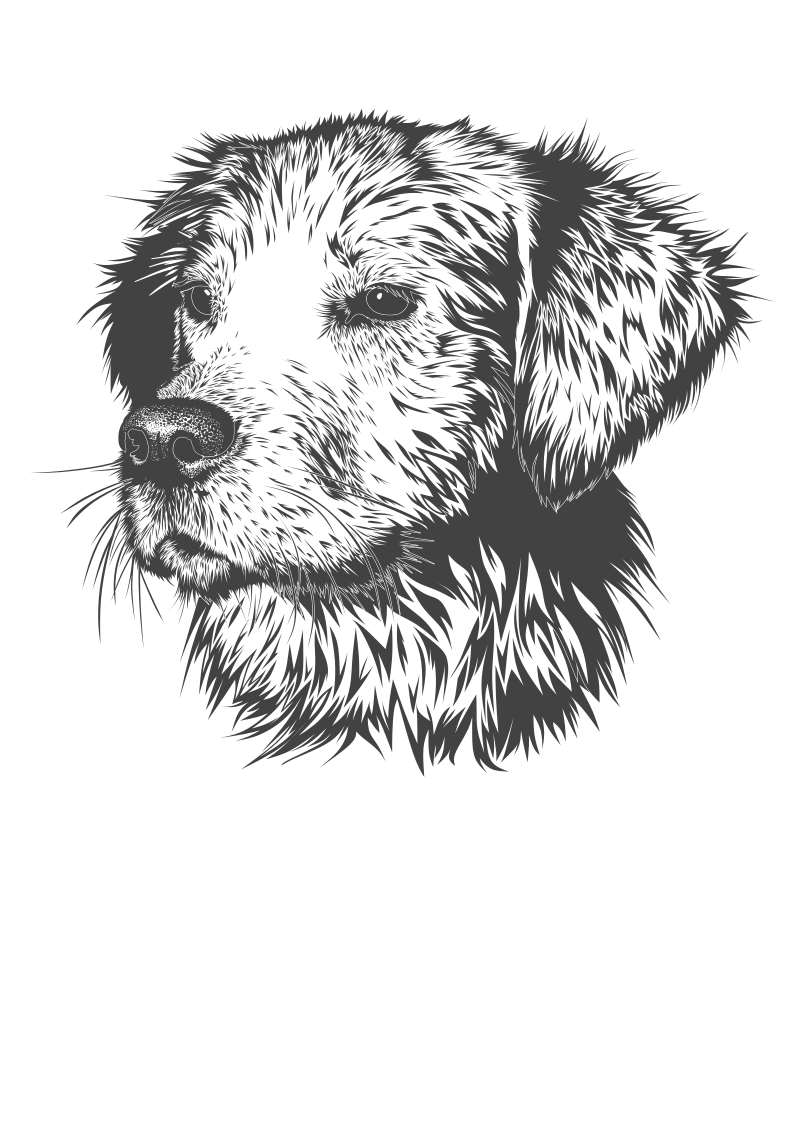
2 Dogs Running All Around Klipart- a
Animals
· by GoAnimateYes CaillouNo VGCP
CC0 (Public Domain)
CC0 domeinu publikoa - erabilpen pertsonal eta komertzialerako doakoa, ez dago aitorpenik behar.
Lizentziaren akta →
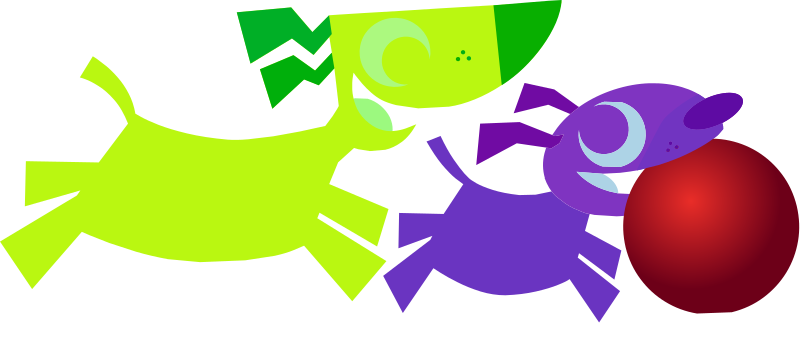
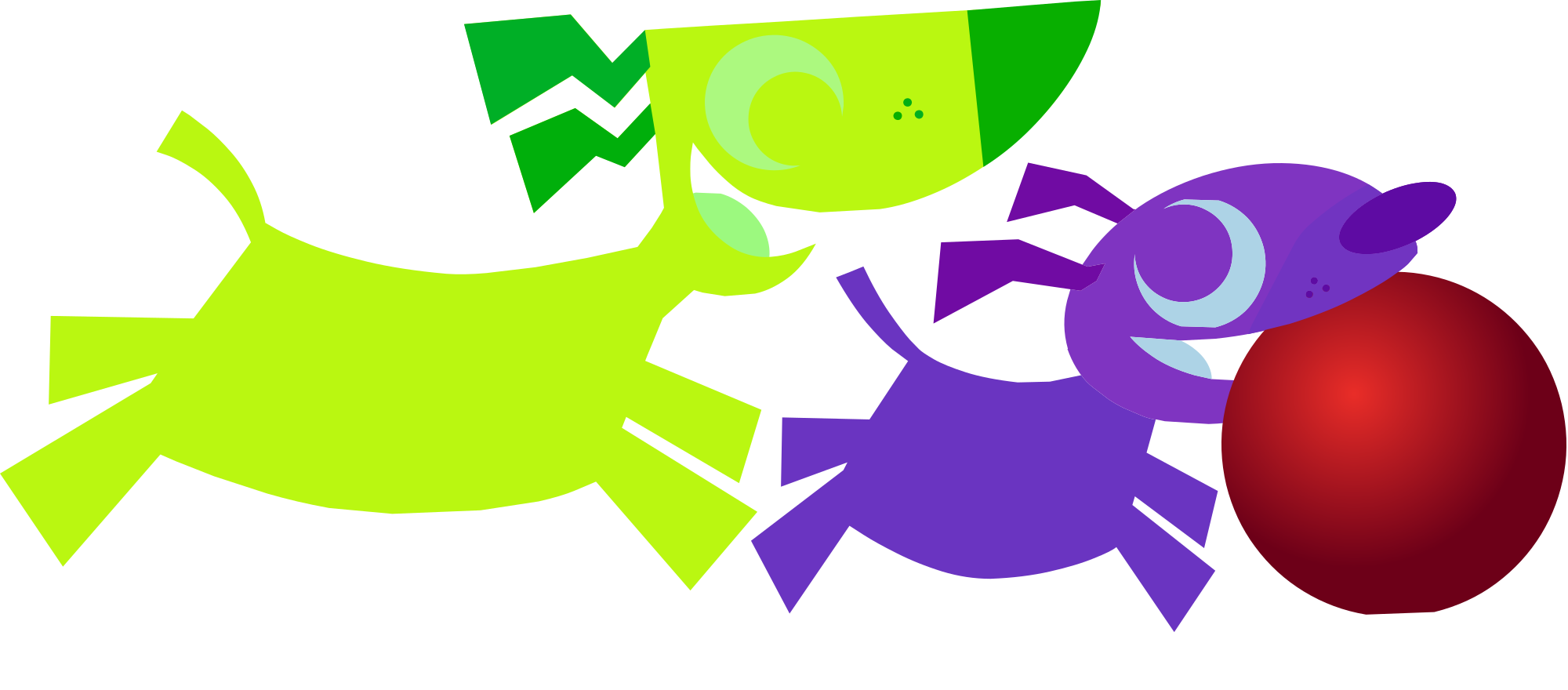
2 Dogs Running All Around - GoAnimateYes CaillouNo VGCP (CC0 (Public Domain)), via Clipart.Free
Kreditua aukerakoa da - CC0-k ez du ezer eskatzen.
Irudi honi buruz
These Are So Cute Woochi-Woochi-Woo
| Dimentsioak | 309 × 136 px (SVG - scales to any size) |
|---|---|
| Fitxategiaren tamaina | 9.6 KB SVG · PNG 400/800/2000 px |
| Lizentzia | CC0 (Public Domain) · Clipart lizentziak azaltzen dira |
| Artista | GoAnimateYes CaillouNo VGCP |
| Iturburua | Openclipart · Jatorrizko orrialdea → |
Etiketak
Bihurtu edo editatu behar duzu hau?
Bihurtu SVG PDF, ICO edo WebP-ra - edo tamaina aldatu PNG-ri - lineako bihurtzaile dohainik erabiliz.
Fitxategi bihurtzaile libreak →Aplikazio bat eraikitzea?
Eskuratu irudi hau (eta liburutegi osoa) JSON gisa API gako libre batekin - 500 eskaera/eguna.
Clipart API dokumentuak →
Maitasuna Clipart.Free? Partekatu
Maiz egiten diren galderak
Bai. "2 Dogs Running All Around" domeinu publikoan dago CC0 1.0 lizentziapean - artistak copyright guztiak utzi ditu. Deskargatu, editatu, inprimatu eta berriro argitara dezakezu edozein helbururekin, pertsonal edo komertzialekin, inori galdetu gabe.
Bai. CC0 (Public Domain) artelanaren egiletza ez da eskatu behar, ezta ordainsaririk ere, lan komertzialetan ere - produktuak, bezeroen proiektuak, aplikazioak, paketeak eta inprimaketak. Eskerrak ematea eskertzen da, baina ez da inoiz beharrezkoa.
Fitxategi nagusia 309x136 px SVG bektore bat da (9.6 KB), kalitate-galerik gabe edozein tamainatara eskala daitekeena. PNG gardenak 400, 800 eta 2000 pixel zabalerakoak dira - ez da inskripziorik behar, ez ur-markarik.
"2 Dogs Running All Around" GoAnimateYes CaillouNo VGCP-ek marraztu du eta Openclipart-en partekatu da domeinu publikoko esleipen baten bidez. Iturburu-orrialdea goiko xehetasunetan estekatuta dago - artistaren aitorpena aukerakoa da, baina keinu polita da.
"2 Dogs Running All Around" ondo funtzionatzen du klaseko lan-orrietan, urtebetetze-gomendapenetan, maskota-negozioen markak eta eskulan-proiektuetan - eta bektorea denez, poster batean errendatzen den bezalaxe inprimatzen da diapositiban.
Deskargatu SVG eta ireki editore libre batean, Inkscape (mahaigaina) edo arakatzaile-tresna batean, adibidez - edo zuzenean itsatsi Figman Kopiatu SVG botoiarekin. Forma eta kolore guztiak editagarriak dira, eta bertsio aldatua zurea da, gorde edo saltzeko.