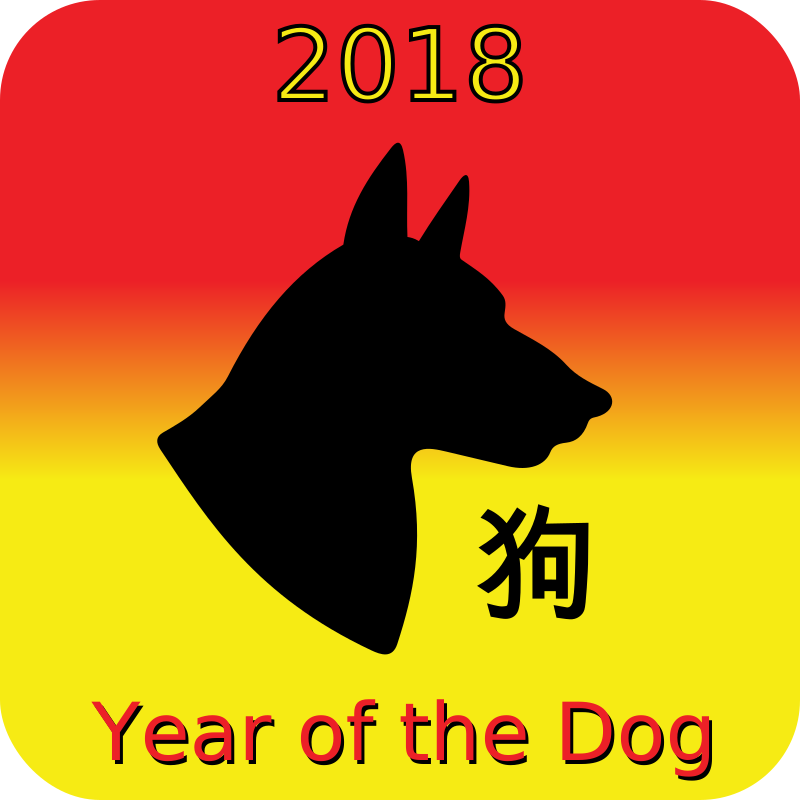
2018 Year of the Dog ક્લિપબોર્ડ
Animals
· દ્વારા JayNick
CC0 (Public Domain)
CC0 જાહેર ડોમેઇન - વ્યક્તિગત અને વ્યવસાયિક ઉપયોગ માટે મુક્ત, કોઈપણ પ્રમાણપત્રની જરૂર નથી.
લાઇસન્સ કરાર →
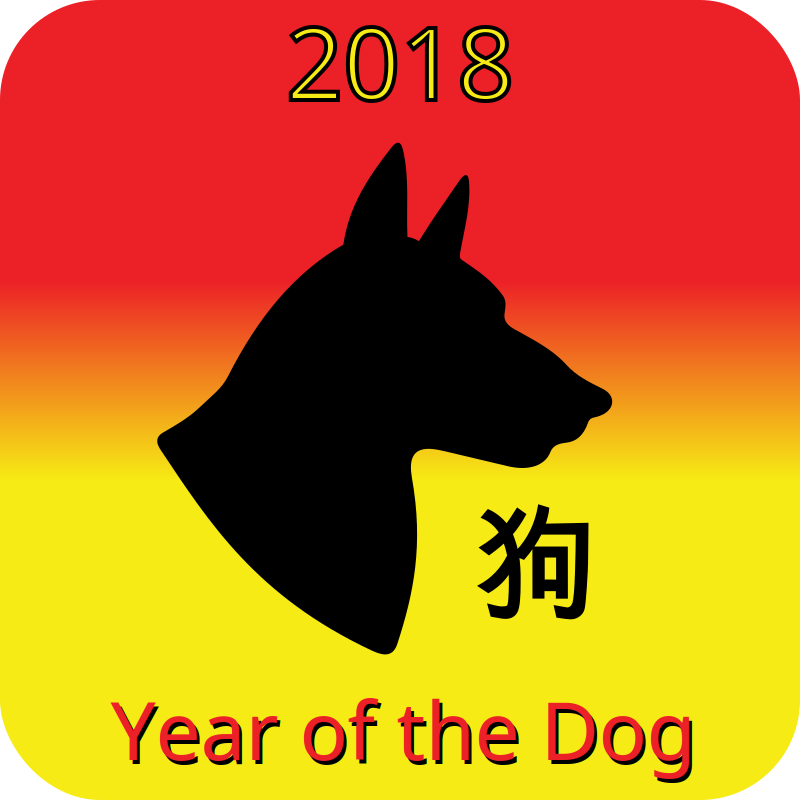
2018 Year of the Dog - JayNick (CC0 (Public Domain)), via Clipart.Free
ક્રેડિટ વૈકલ્પિક છે - CC0 ને કંઇ જ જરૂરી નથી.
આ ચિત્ર વિશે
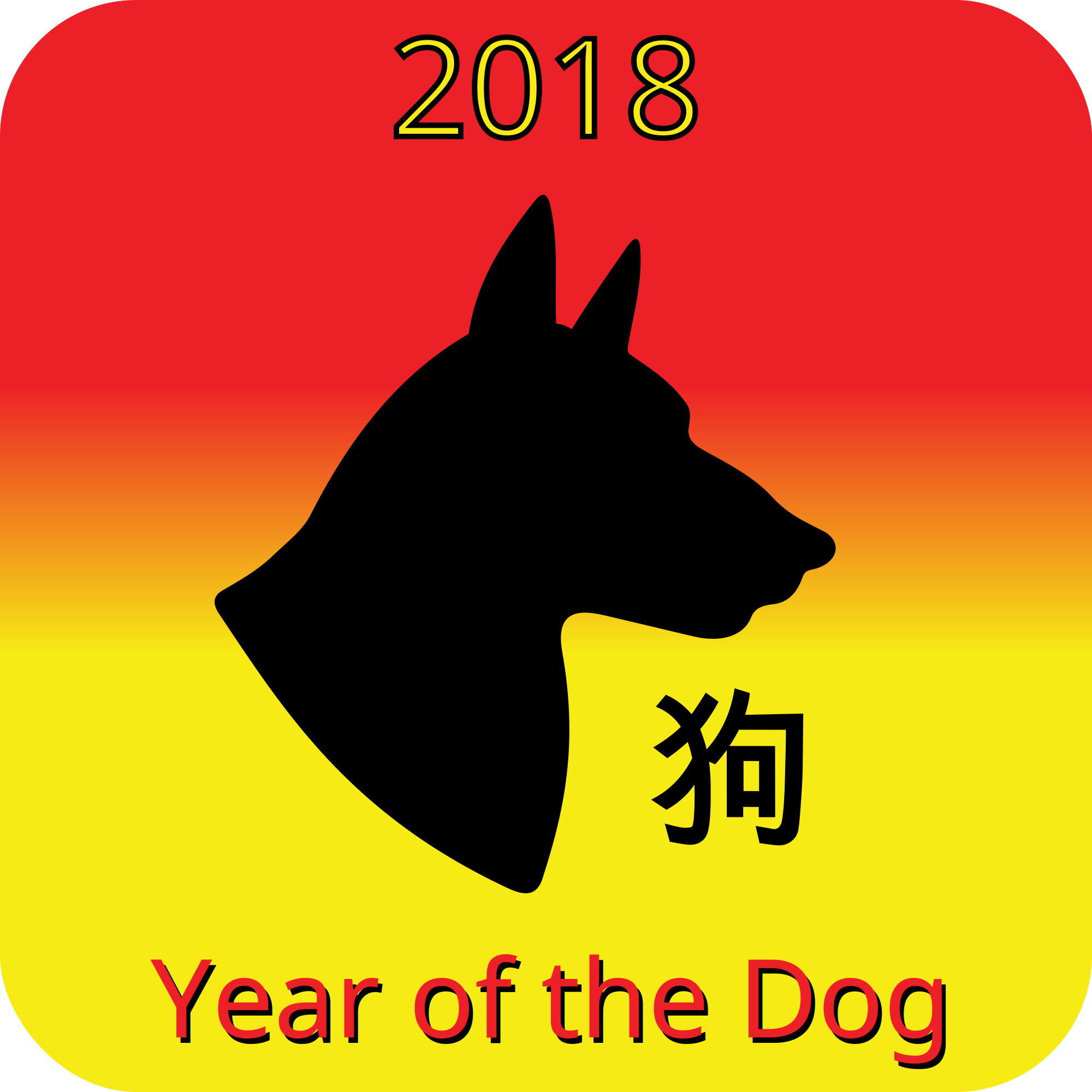
2018 is the Chinese year of the dog according to the lunar calendar.<br /> <br /> Read the story of how Chinese Lunar Calendar was created in the free eBook, Bella and the Year of the Dragon. Available from Catto Creations on Apple's iBooks Store. <a href='http://cattocreations.com' rel="nofollow">http://cattocreations.com</a><br />
| માપદંડો | 800 × 800 px (SVG - scales to any size) |
|---|---|
| ફાઇલ માપ | 3.4 KB SVG · PNG 400/800/2000 px |
| લાઇસન્સ | CC0 (Public Domain) · ક્લિપપાર્ટ લાઇસન્સ સમજાવેલ છે |
| કલાકાર | JayNick |
| સ્ત્રોત | Openclipart · મૂળ પાનું → |
ટેગ્સ
શું આને ફેરફાર કરવાની જરૂર છે?
SVG ને PDF, ICO અથવા WebP માં ફેરવો - અથવા PNG નું માપ બદલો - મુક્ત ઓનલાઇન ફેરબદલીકારો સાથે.
મુક્ત ફાઇલ રૂપાંતરકો →કાર્યક્રમ બનાવો
આ ચિત્ર (અને સંપૂર્ણ લાઇબ્રેરી) ને મુક્ત API કી સાથે JSON તરીકે મેળવો - ૫૦૦ વિનંતી/દિવસ.
ક્લિપબોર્ડ API દસ્તાવેજો →
પ્રેમ Clipart.Free? તેને વહેંચો
વારંવાર પૂછાતા પ્રશ્નો
હા. "2018 Year of the Dog" CC0 1.0 ની અંદર જાહેર ડોમેઇન માટે સમર્પિત છે - કલાકારે બધા કોપીરાઇટને અવગણ્યા છે. તમે તેને ડાઉનલોડ કરી શકો છો, ફેરફાર કરી શકો છો, છાપી શકો છો અને કોઈપણ હેતુ માટે, વ્યક્તિગત અથવા વ્યવસાયિક, કોઇને પૂછ્યા વગર તેને પુનઃપ્રકાશિત કરી શકો છો.
હા. CC0 (Public Domain) કલાકારને કોઈપણ પુરસ્કારની જરૂર નથી અને કોઈપણ ફી નથી, વાણિજ્યિક કામમાં પણ - ઉત્પાદનો, ક્લાયન્ટ પ્રોજેક્ટો, કાર્યક્રમો, પેકેજિંગ અને છાપન. પુરસ્કારની પ્રશંસા થાય છે પરંતુ ક્યારેય જરૂરી નથી.
મુખ્ય ફાઇલ 800x800 px SVG વેક્ટર (3.4 KB) છે કે જે ગુણવત્તા નુકસાન વગર કોઈપણ માપમાં માપ બદલે છે. તૈયાર-કરાયેલ પારદર્શક PNGs 400, 800 અને 2000 પિક્સેલ પહોળાઈ પર ઉપલબ્ધ છે - નોંધણી નથી, પાણીની નિશાની નથી.
"2018 Year of the Dog" JayNick દ્દારા દોરેલ હતું અને જાહેર-ડોમેઇન સમર્પણ હેઠળ Openclipart પર વહેંચાયેલ હતું. સ્ત્રોત પાનું ઉપરની વિગતો સાથે જોડાયેલ છે - કલાકારને શ્રેય આપવું વૈકલ્પિક છે પરંતુ સુંદર ચેષ્ટા છે.
"2018 Year of the Dog" વર્ગખંડ કાર્યશીટ, જન્મદિવસની આમંત્રણો, પાલતુ-વ્યવસાય બ્રાન્ડિંગ અને કળા પ્રોજેક્ટો પર સારી રીતે કામ કરે છે - અને વેક્ટર હોવાને કારણે, તે પોસ્ટર પર ચોક્કસપણે છાપે છે કે જે તે સ્લાઇડમાં રેન્ડર કરે છે.
SVG ડાઉનલોડ કરો અને તેને Inkscape (ડેસ્કટોપ) અથવા બ્રાઉઝર સાધન જેવા મુક્ત સંપાદકમાં ખોલો - અથવા તેને નકલ SVG બટન સાથે Figma માં સીધી ચોંટાડો. દરેક આકાર અને રંગ ફેરફાર કરી શકાય છે, અને તમારી બદલાયેલ આવૃત્તિ તમારી રાખવા અથવા વેચવા માટે છે.