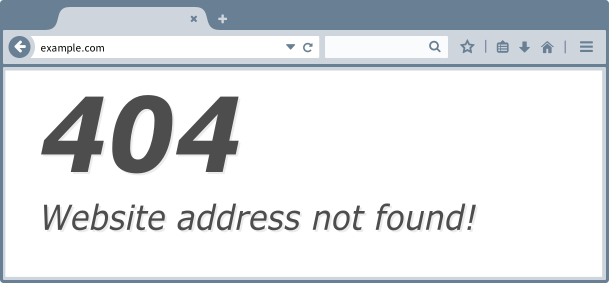
404 Site Not Found Gamba
Computer & Technology
· Naapa kwa Zama! j4p4n
CC0 (Public Domain)
CC0 Umma - ukiwa huru kwa matumizi ya kibinafsi na kibiashara, hakuna uhitaji wa kufanya hivyo.
Tendo la Ustahivu →
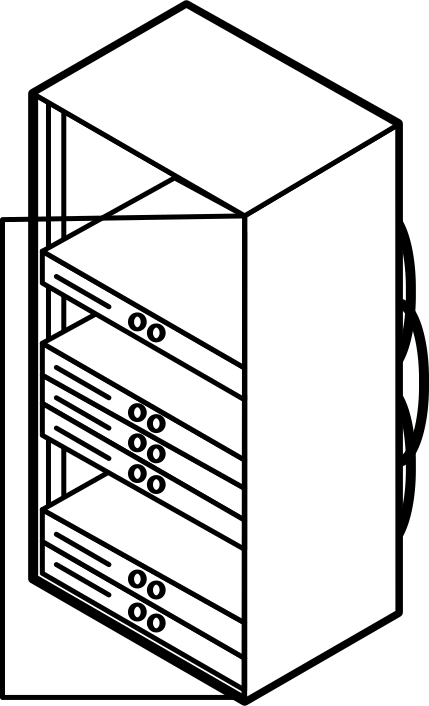
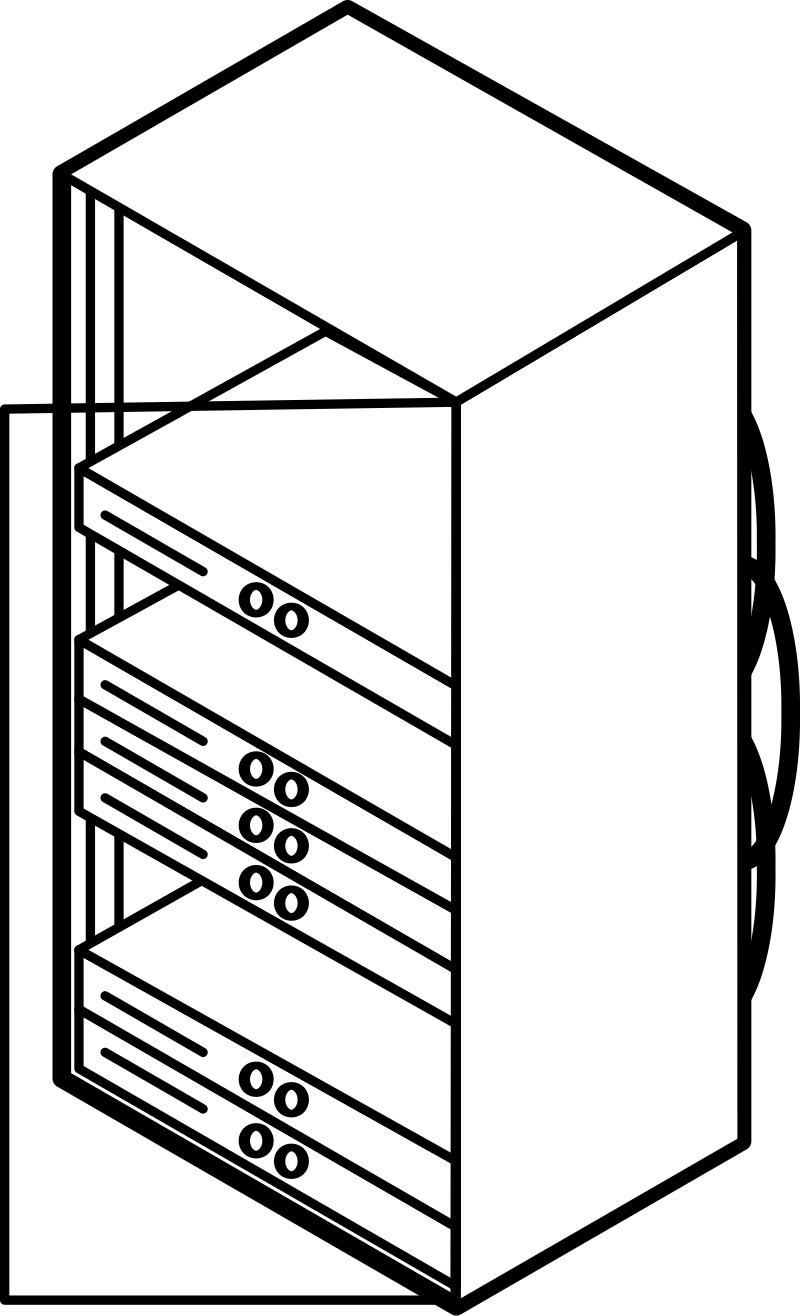
404 Site Not Found - j4p4n (CC0 (Public Domain)), via Clipart.Free
Ni lazima atoe maoni ya hiari - CC0 hataki mtu yeyote.
Kuhusu sanamu hii
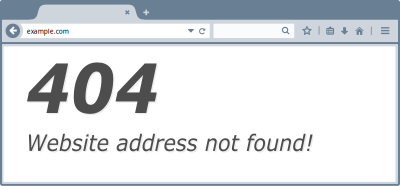
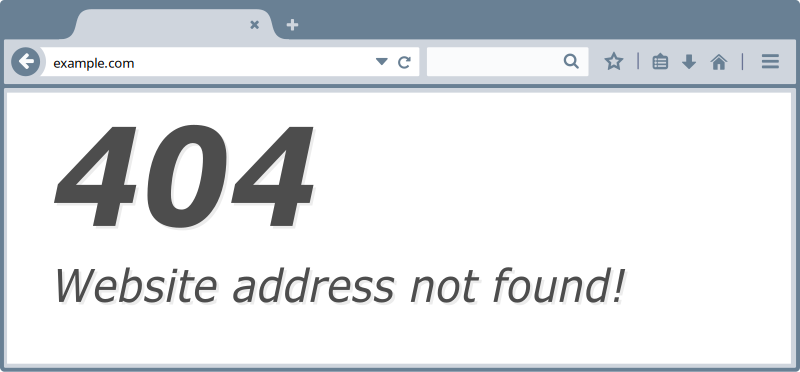
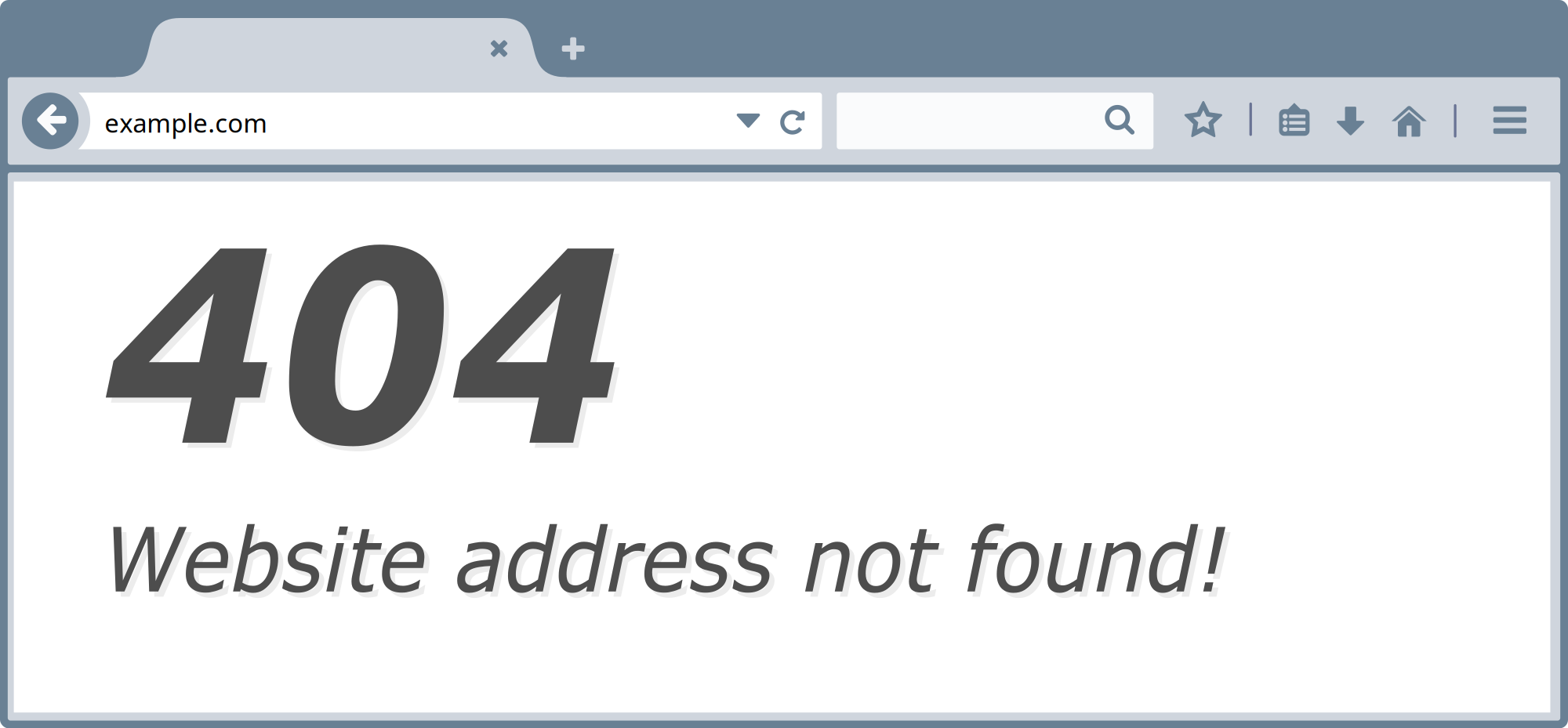
I thought it would be fun to have a 404 website not found error message example clipart image!
| Vipimo | 609 × 283 px (SVG - scales to any size) |
|---|---|
| Ukubwa wa Faili | 55.2 KB SVG · PNG 400/800/2000 px |
| Licen | CC0 (Public Domain) · Mashitaka ya leseni ya kupigania haki za binadamu yalieleza |
| Msanii | j4p4n |
| Chanzo | Openclipart · Ukurasa wa awali → |
Tangs
Je, ni lazima kugeuza au kuhariri jambo hili?
ICO au WebP - au rudisha tena PNG - kwa watu waliobadili maoni yao kwenye Intaneti bila malipo.
Wabadili - faili huru →Je, ni kujenga programu ya kompyuta?
Fetch picha hii (na maktaba yote) kama JSON akiwa na ufunguo wa API - 500 aliomba/siku.
Machango AP mimi hufanya maumivu →
Upendo Clipart.Free? Ishiriki
Maswali yaliyoulizwa mara nyingi
"404 Site Not Found" imejitoa kwa umma kwa matumizi ya umma chini ya CC0 1.0 - msanii aliyependelea haki zote za kunakili. Unaweza kupakua, kuhariri, kuchapisha na kuichapisha tena kwa kusudi lolote, binafsi au kibiashara, bila kuomba yeyote.
Picha CC0 (Public Domain) hazihitaji kuwekwa katika orodha ya vitu vya kimwili wala malipo yoyote, hata katika bidhaa za kibiashara, miradi ya wateja, programu, pakiti na chapa.
Faraka hiyo kubwa ni 609x283 px SVG vecor (55.2 KB) kwamba magamba ya ukubwa wowote usio na hasara kubwa. PG zilizotengenezwa kwa njia ya asili hupatikana katika 400, 800 na 2000 zikiwa pana - hakuna alama yoyote ya maji.
"404 Site Not Found" ilichorwa na j4p4n na kuhusishwa kwenye sherehe ya hadharani ya kujitoa kwa wasanii. Ukurasa huo umeunganishwa katika mambo madogo - madogo yaliyo juu - kumpa sifa msanii huyo ni tendo la hiari lakini zuri.
"404 Site Not Found" hutoa picha ya hati, walimu, sitaha za kuonyeshea picha na programu kwenye viboko vya ndege - na CC0 inamaanisha kwamba inaweza kusafiri ndani ya bidhaa yenyewe.
Pakua SVG na uifungue katika mhariri huru kama Inkrab (sapto) au kifaa cha kukanyagia - au uitie katika singa ya Tinima kwa kutumia kibweta cha kuiga SVG. Kila umbo na rangi ni zako kuweza kuhariri au kuuza.