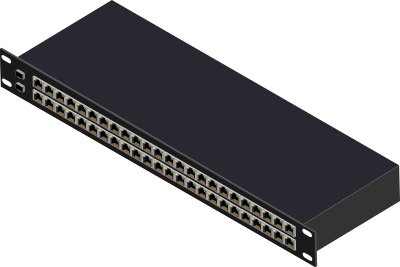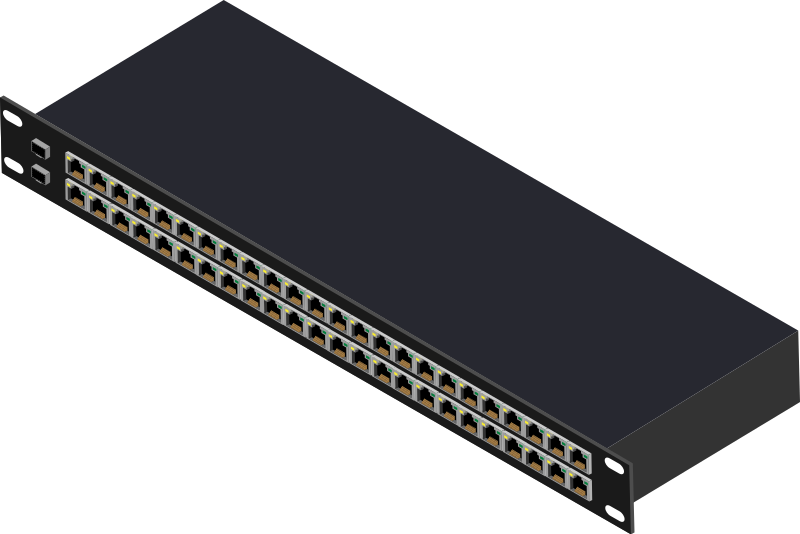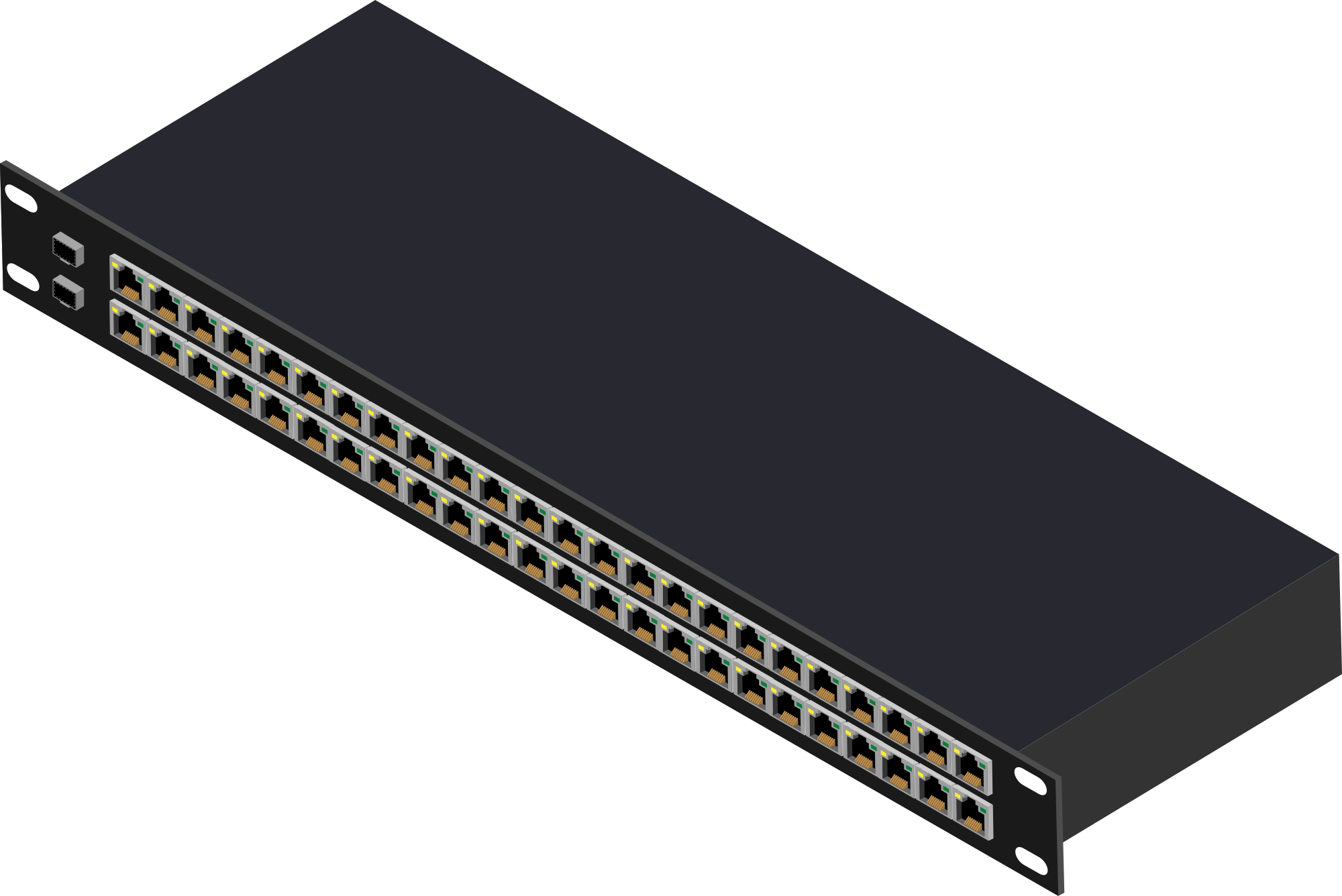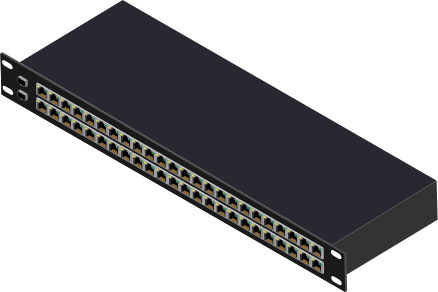
48 Port Switch ক্লিপআৰ্ট
Computer & Technology
· দ্বাৰা Enriq766
CC0 (Public Domain)
CC0 পাবলিক ডমেইন - ব্যক্তিগত আৰু বাণিজ্যিক ব্যৱহাৰৰ বাবে বিনামূলীয়া, কোনো উল্লেখৰ প্ৰয়োজন নাই।
লাইচেঞ্চৰ কাৰ্য্য →
48 Port Switch - Enriq766 (CC0 (Public Domain)), via Clipart.Free
কৃতিত্বৰ উল্লেখ বৈকল্পিক - CC0 ৰ বাবে কোনো উল্লেখৰ প্ৰয়োজন নাই।
এই ছবিৰ বিষয়ে
I make all of these by hand from a High Quality Vector Image. These Items can be used in your layouts and designs. Part of a larger collection, I will be releasing these on openclipart and vecteezy for those of you wanting one you can edit. Please let me know if you think of any products that should be in the collection. vecteezy files will be uploaded at the same time. I have the same username o…
| আকাৰ | 438 × 292 px (SVG - scales to any size) |
|---|---|
| নথিপত্ৰৰ আকাৰ | 352.6 KB SVG · PNG 400/800/2000 px |
| অনুমতি | CC0 (Public Domain) · ক্লিপআৰ্ট লাইচেঞ্চসমূহ ব্যাখ্যা কৰা হৈছে |
| শিল্পী | Enriq766 |
| উৎস | Openclipart · মূল পৃষ্ঠা → |
টেগসমূহ
ইয়াক পৰিবৰ্তন অথবা সম্পাদন কৰিব লাগিব নে?
SVG ক PDF, ICO অথবা WebP লৈ পৰিবৰ্তন কৰক - অথবা PNG ৰ আকাৰ পৰিবৰ্তন কৰক - বিনামূলীয়া অনলাইন পৰিবৰ্তনকাৰীসমূহৰ সৈতে।
মুক্ত নথিপত্ৰ পৰিবৰ্তনকাৰী →এটা এপ্লিকেচন নিৰ্মাণ কৰা হৈছে নে?
এই ছবি (এবং সম্পূৰ্ণ লাইব্ৰেৰি)ক JSON হিচাপে এটা বিনামূলীয়া API কি'ৰ সৈতে লওক - ৫০০ অনুৰোধ/দিন।
ক্লিপআৰ্ট API ডকুমেন্ট →
ভালবাসা Clipart.Free? শেয়াৰ কৰক
প্ৰায়শঃ জিজ্ঞাসিত প্ৰশ্নসমূহ
হ'ব। "48 Port Switch" CC0 1.0 ৰ অধীনে পাবলিক ডমেইনত উৎসৰ্গ কৰা হৈছে - শিল্পীয়ে সকলো কপিৰাইট বাতিল কৰিছে। আপুনি ইয়াক ব্যক্তিগত অথবা বাণিজ্যিক উদ্দেশ্যে যিকোনো উদ্দেশ্যে ডাউনল'ড, সম্পাদন, প্ৰিন্ট আৰু পুনঃ প্ৰকাশ কৰিব পাৰে, কাকো সুধিব নোহোৱাকৈ।
হ্যাঁ। CC0 (Public Domain) ৰ শিল্পকর্মৰ বাবে কোনো স্বীকৃতি আৰু কোনো ফিৰ প্ৰয়োজন নহয়, বাণিজ্যিক কামত - উৎপাদন, গ্ৰাহক প্ৰকল্প, এপ্লিকেচন, পেকেজিং আৰু প্ৰিন্টতও। এটা স্বীকৃতি প্ৰশংসা কৰা হয় কিন্তু কেতিয়াও প্ৰয়োজন নহয়।
মূল নথিপত্ৰ এটা 438x292 px SVG ভেক্টৰ (352.6 KB) যাক কোনো মাপলৈ মানৰ ক্ষতি নোহোৱাকৈ স্কেল কৰিব পাৰি। তৈৰি কৰা স্বচ্ছ PNGs ৪০০, ৮০০ আৰু ২০০০ পিক্সেল প্ৰস্থত উপলব্ধ - কোনো নিবন্ধন, কোনো ৱাৰ্ডমাৰ্ক নাই।
"48 Port Switch" Enriq766 দ্বাৰা আঁকা আৰু Openclipart ত এটা পাবলিক-ডমেইন উৎসৰ্গৰ অধীনে ভাগ কৰা হৈছে। উৎস পৃষ্ঠাৰ লিঙ্ক উপৰ বিৱৰণসমূহত আছে - শিল্পীক প্ৰদান কৰা কৃতিত্ব বৈকল্পিক কিন্তু এটা সুন্দৰ ইঙ্গিত।
"48 Port Switch" দস্তাবেজ, টিউটোৰিঅ'ল, আৰম্ভণি ডেক আৰু এপ্লিকেচন অনবোর্ডিং পৰ্দাসমূহ দেখুৱায় - আৰু CC0 ৰ অৰ্থ হ'ল ই প্ৰস্তুত বস্তুৰ ভিতৰত পঠাব পাৰিব।
SVG ডাউনল'ড কৰক আৰু ই Inkscape (ডেস্কটপ) বা এটা ব্ৰাউছাৰ টুল - বা কপি SVG বুটাম ব্যৱহাৰ কৰি Figma ত সরাসৰি পেইস্ট কৰক - ৰ দৰে এটা মুক্ত সম্পাদকত খোলক। প্ৰতিটো আকৃতি আৰু ৰং সম্পাদনযোগ্য, আৰু আপোনাৰ পৰিবৰ্তন কৰা সংস্কৰণ আপোনাৰ ৰখা বা বিক্ৰী কৰাৰ বাবে আছে।