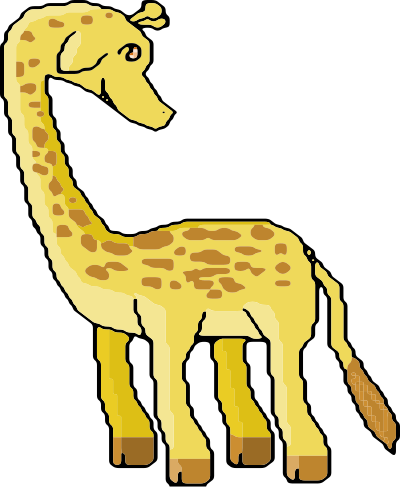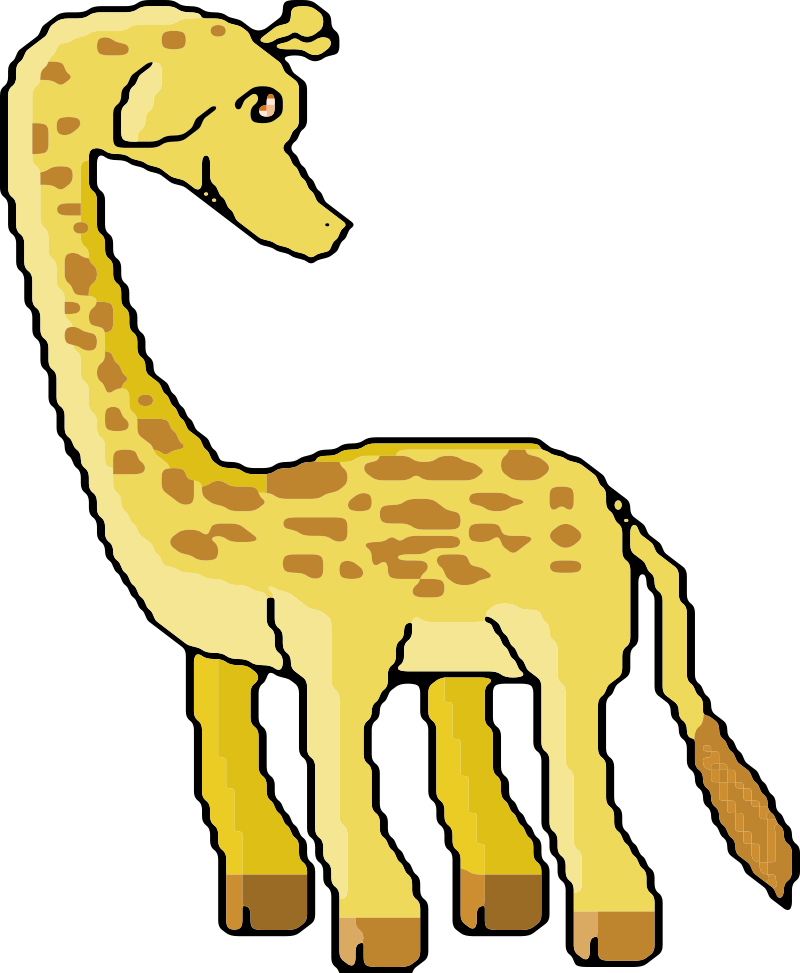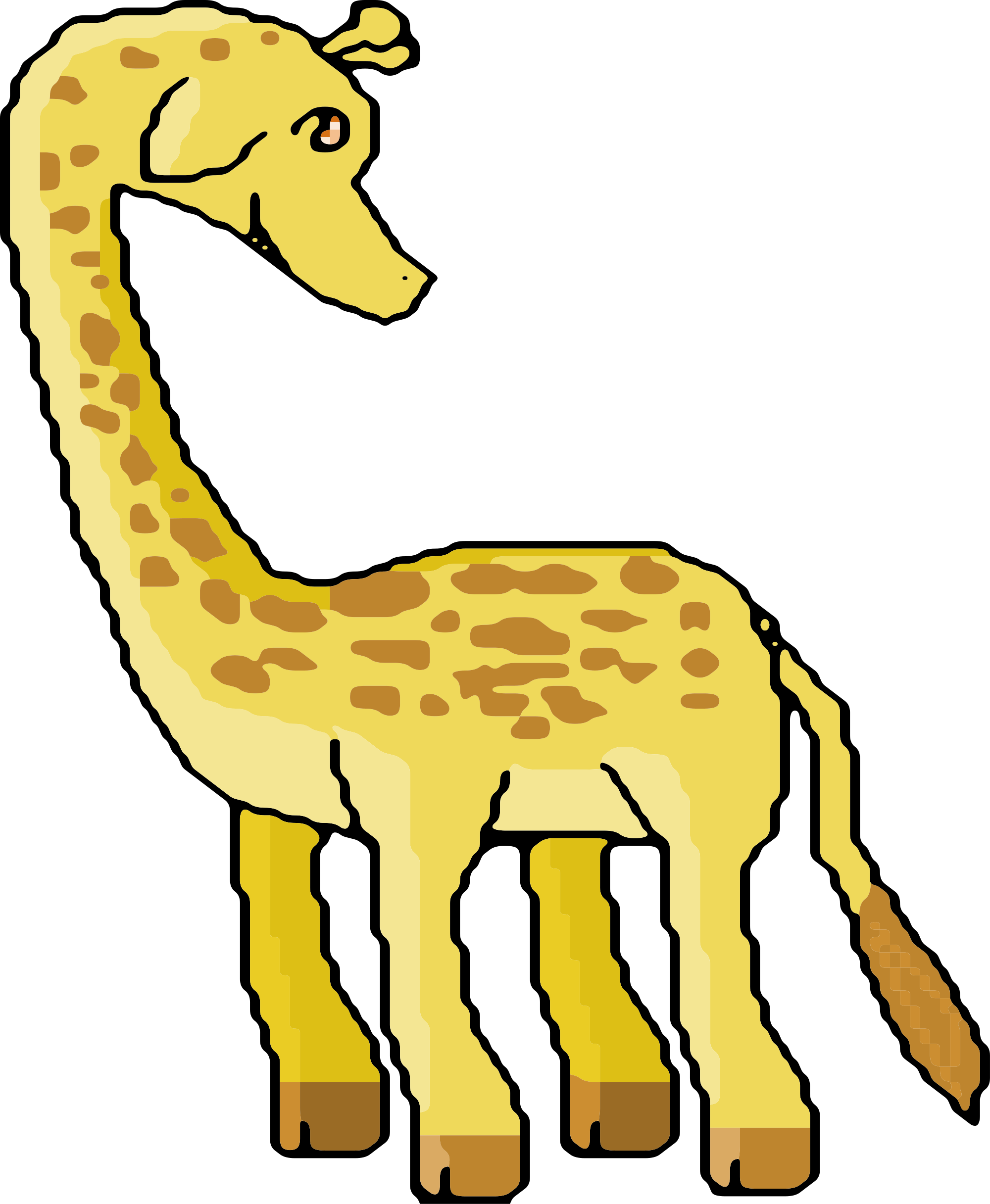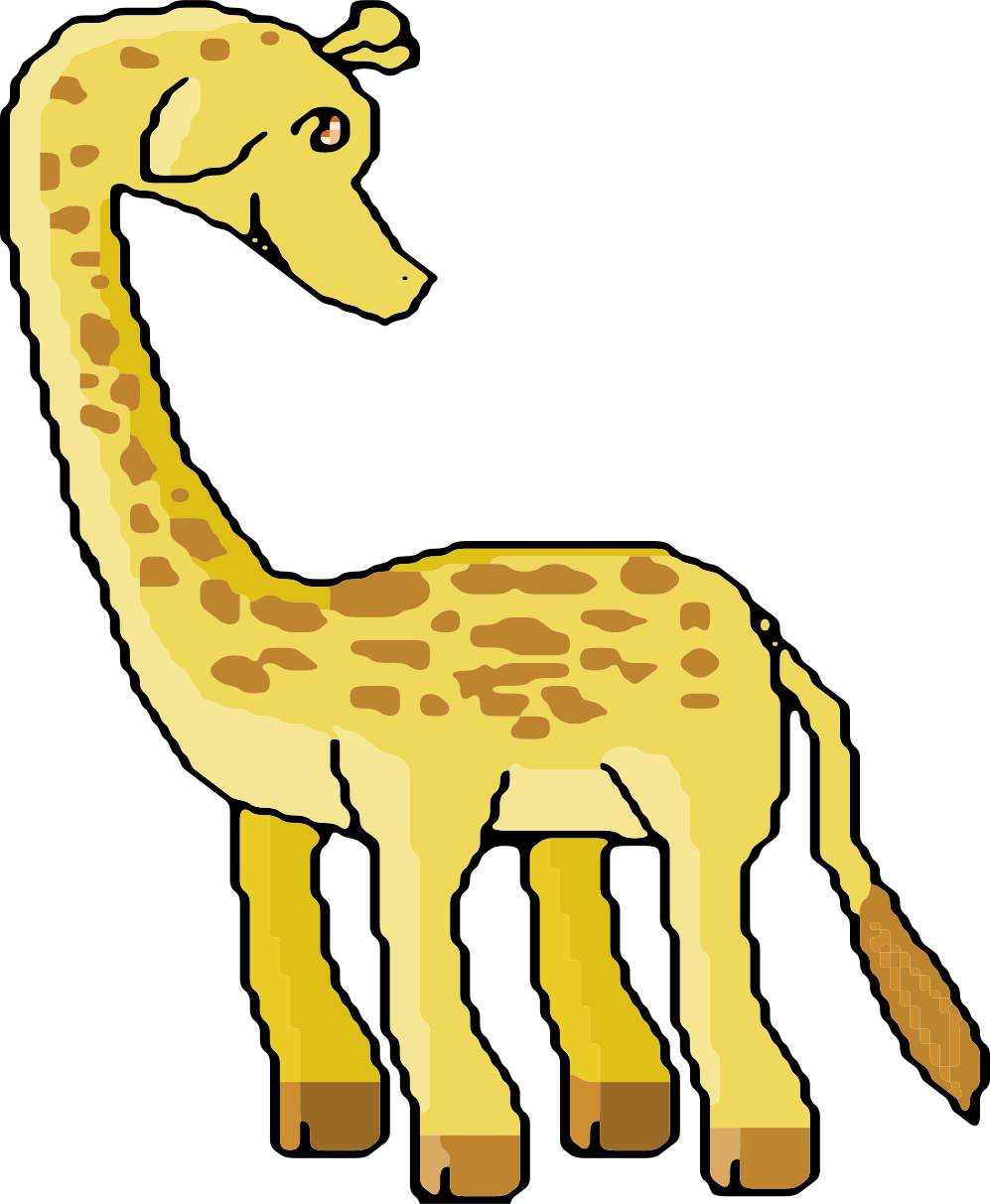
8-bit Giraffe Clintar
Animals
· de j4p4n
· 2 descărcări
CC0 (Public Domain)
CC0 Public Domain - gratuit pentru uz personal și comercial, fără atribuție necesară.
Act de licență →
8-bit Giraffe - j4p4n (CC0 (Public Domain)), via Clipart.Free
Creditul este opțional - CC0 nu necesită niciuna.
Despre această imagine
User rougeress on Opengameart released this retro pixel giraffe into the public domain...!
| Dimensiuni | 997 × 1213 px (SVG - scales to any size) |
|---|---|
| Dimensiune fișier | 64.1 KB SVG · PNG 400/800/2000 px |
| Licență | CC0 (Public Domain) · Licențe de Clintar explicate |
| Artist | j4p4n |
| Sursa | Openclipart · Pagina originală → |
Etichete
Trebuie să converteşti sau să editezi asta?
Transformă SVG în PDF, ICO sau WebP - sau redimensionează PNG - cu convertitoare online gratuite.
Convertoare de fișiere gratuite →Construiesc o aplicaţie?
Obține această imagine (și întreaga bibliotecă) ca JSON cu o cheie API gratuită - 500 de cereri/zi.
Docurile API Clintart →
Iubire Clipart.Free? Împărtăşiţi-l.
Întrebări frecvente
Da. «8-bit Giraffe»" este dedicat domeniul public sub CC0 1.0 - artistul a renunțat la toate drepturile de autor. Puteți descărca, edita, imprima și republica în orice scop, personal sau comercial, fără a întreba pe nimeni.
Da. CC0 (Public Domain) lucrarea nu necesită nicio atribuţie şi nici o taxă, chiar şi în munca comercială - produse, proiecte de clienţi, aplicaţii, ambalaje şi imprimare. Un credit este apreciat, dar niciodată necesar.
Fișierul master este un vector SVG 997x1213 px (64.1 KB) care echilibra la orice dimensiune fără pierdere de calitate. PNG-urile transparente fabricate gata sunt disponibile la 400, 800 și 2000 pixeli larg - fără înregistrare, fără semnură de apă.
«8-bit Giraffe» a fost desenat de j4p4n și împărțit pe Openclipart sub o dedicare public-domină. Pagina sursă este legată în detaliile de mai sus - creditarea artistului este opțional, dar un gest frumos.
«8-bit Giraffe»" funcționează bine pe holurile de clasă, invitații de naștere, proiecte de mărci de animale de companie și de artizanat - și fiind un vector, imprima la fel de brusc pe un poster ca ea devine într-un diapozitiv.
Descarcă SVG și deschide-l într-un editor gratuit cum ar fi Inkscape (desktop) sau un instrument de browser - sau încolți-l direct în Figma cu butonul Copy SVG. Fiecare formă și culoare este editabil, iar versiunea modificată este a ta pentru a păstra sau vinde.