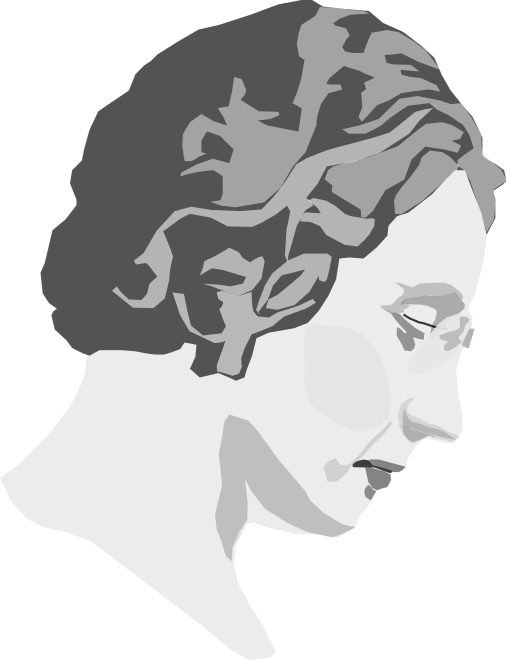
Agnes Macphail Clipart
People
· pagal gingercoons
· 2 parsisiųsti
⬇ Atsiųsti SVG
✓ Nemokamas atsisiuntimas - be registracijos, be vandens ženklo
CC0 (Public Domain)
CC0 Viešas domenas - nemokamai asmeniniam ir komerciniam naudojimui, nereikia priskyrimo.
Licencija →
Agnes Macphail - gingercoons (CC0 (Public Domain)), via Clipart.Free
Kreditas yra neprivalomas - CC0 reikalauti nieko.
Apie šį paveikslėlį
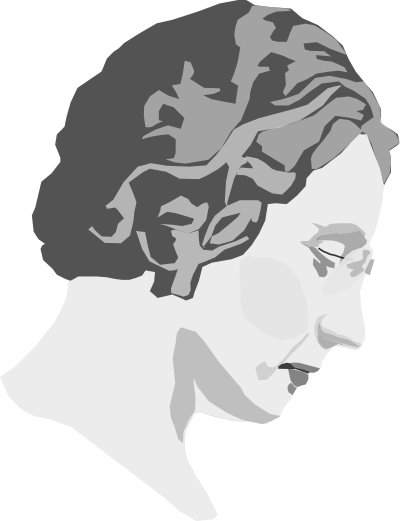
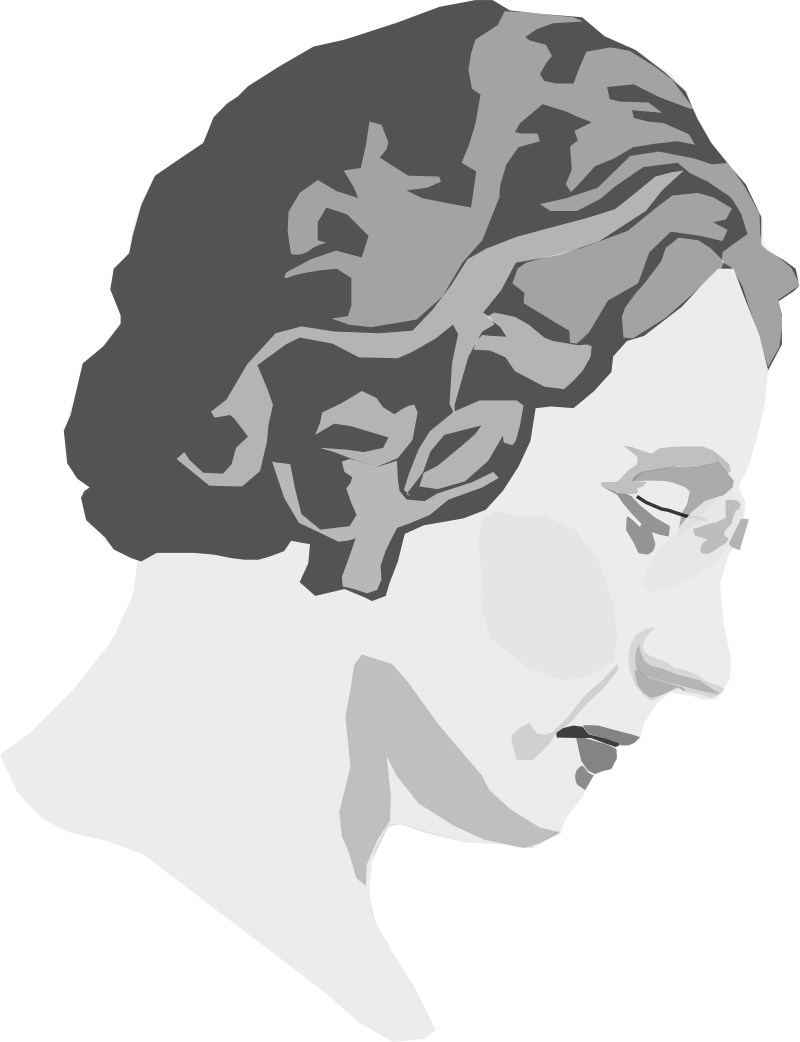
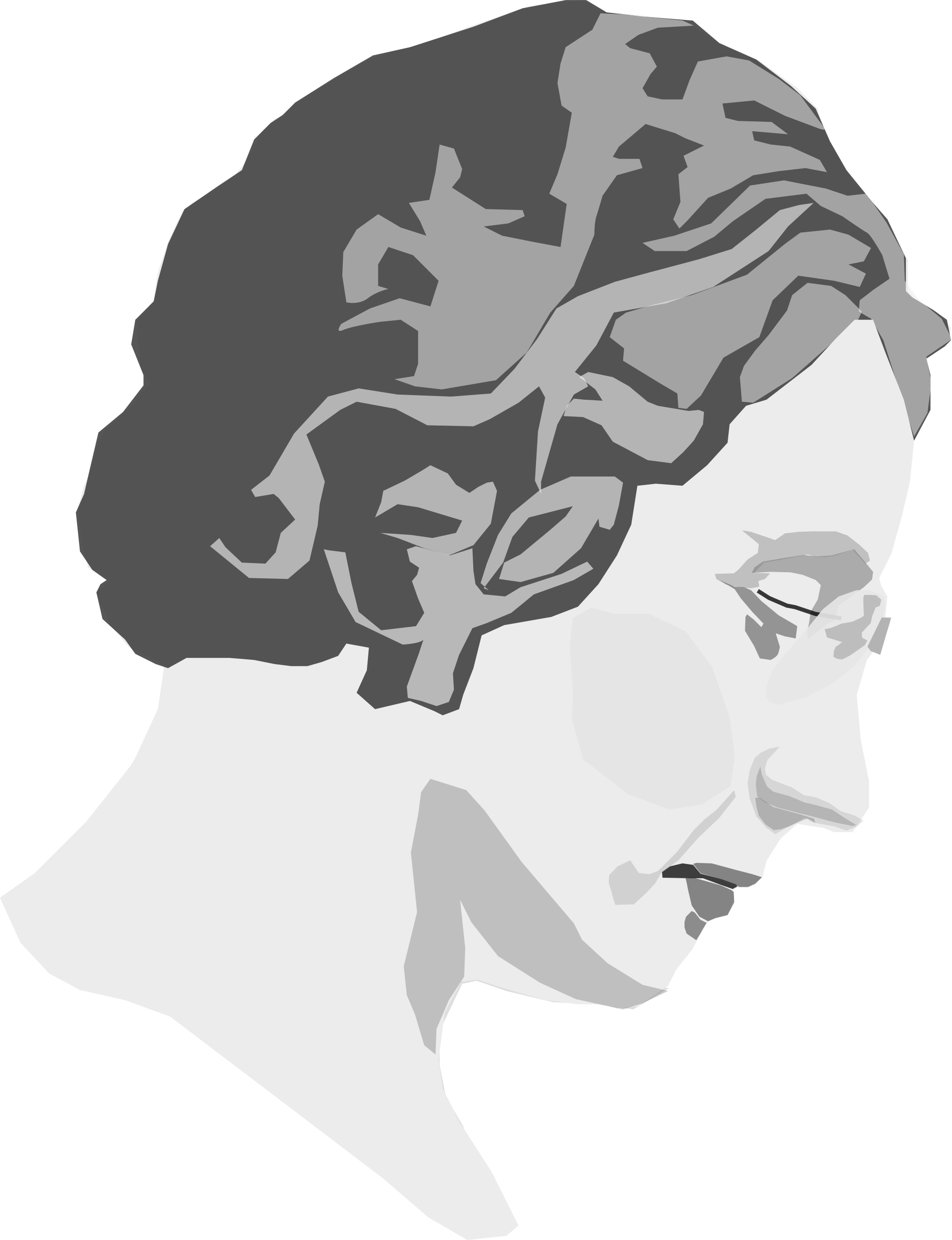
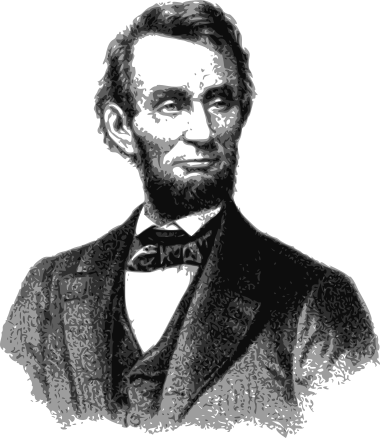
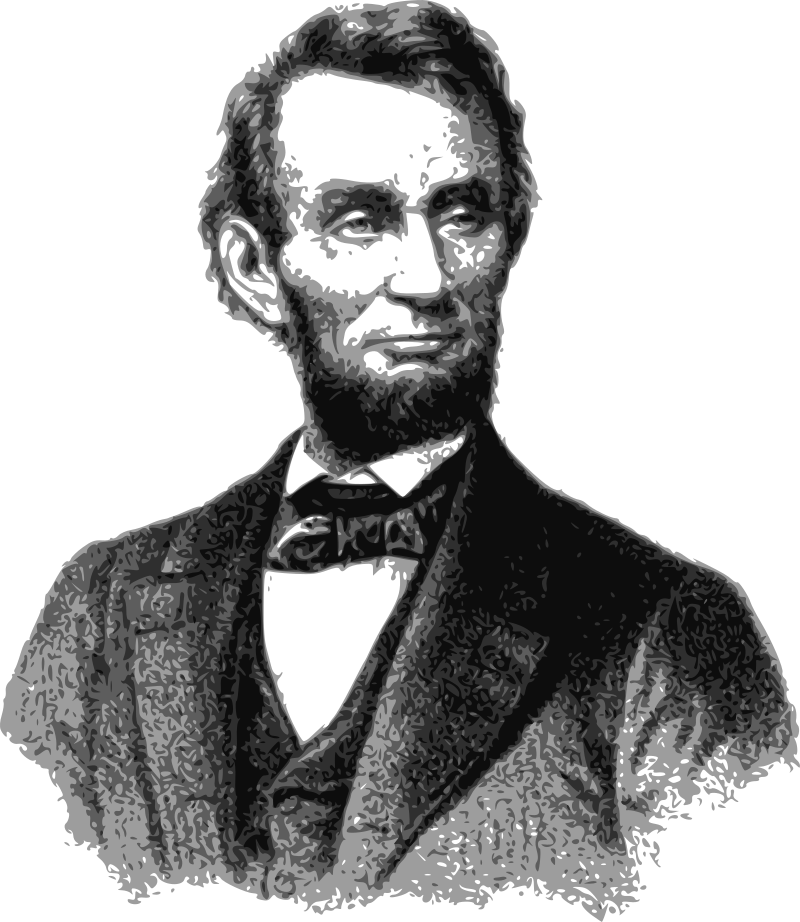
First woman elected to the Canadian House of Commons. Reformer, organizer and pioneering female politician. 1890-1954. Based on a public domain photo from Library and Archives Canada.
| Matmenys | 507 × 660 px (SVG - scales to any size) |
|---|---|
| Failo dydis | 15.6 KB SVG · PNG 400/800/2000 px |
| Licencija | CC0 (Public Domain) · Paaiškintos pažymos |
| Atlikėjas | gingercoons |
| Šaltinis | Openclipart · Pradinis puslapis → |
Žymos
Reikia konvertuoti ar redaguoti šį failą?
Į SVG paversti PDF, ICO ar WebP - arba pakeisti PNG - su nemokamu interneto keitikliai.
Nemokami failų keitikliai →Kuri programėlę?
Atsiųskite šį paveikslėlį (ir visą biblioteką) kaip JSON su nemokamu API raktu - 500 užklausų/dieną.
Clipart API dok. →
Meilė Clipart.Free? Dalintis
Dažnai užduodami klausimai
Taip. „Agnes Macphail“ skirta viešam domenui CC0 1.0 dalyje - atlikėjas atsisakė visų autorių teisių. Galite parsisiųsti, redaguoti, spausdinti ir kopijuoti bet kokiam asmeniniam ar komerciniam tikslui, nieko neklausdamas.
Taip. CC0 (Public Domain) meno kūriniams nereikia priskyrimo ir mokesčio, net ir komerciniuose kūriniuose - produktuose, klientų projektuose, programėlėse, pakuose ir spausdinti. Kreditas yra vertinamas, bet niekada nereikalaujama.
Pagrindinis failas yra 507x660 px SVG vektorius (15.6 KB), kuris svarstyklės bet kokio dydžio be kokybės praradimo. Parengtos skaidrios PNG yra 400, 800 ir 2000 pikselių pločio - be registracijos, be vandens žymės.
„Agnes Macphail“ buvo piešiamas gingercoons ir dalinosi Openclipart pagal viešą dorybę. Pradinis puslapis yra susietas su aukščiau esančiais duomenimis - menininko kreditavimas yra neprivalomas, bet gražus gestas.
"Agnes Macphail" iliustruoja pristatymus, paaiškinimų grafiką, plakatus ir tuščių būsenų sąsajas. Piešimui nereikia modelio išleidimo, o CC0 visiškai pašalina licencijavimo klausimą.
Atsisiųskite SVG ir atidarykite jį į laisvą redaktorių, pavyzdžiui, Inkscape (desktop) arba naršyklės įrankis - arba įklijuokite jį tiesiai į Figma su kopija SVG mygtuką. Kiekvienos formos ir spalvos yra redaguojamas, ir jūsų modifikuota versija yra išlaikyti arba parduoti.