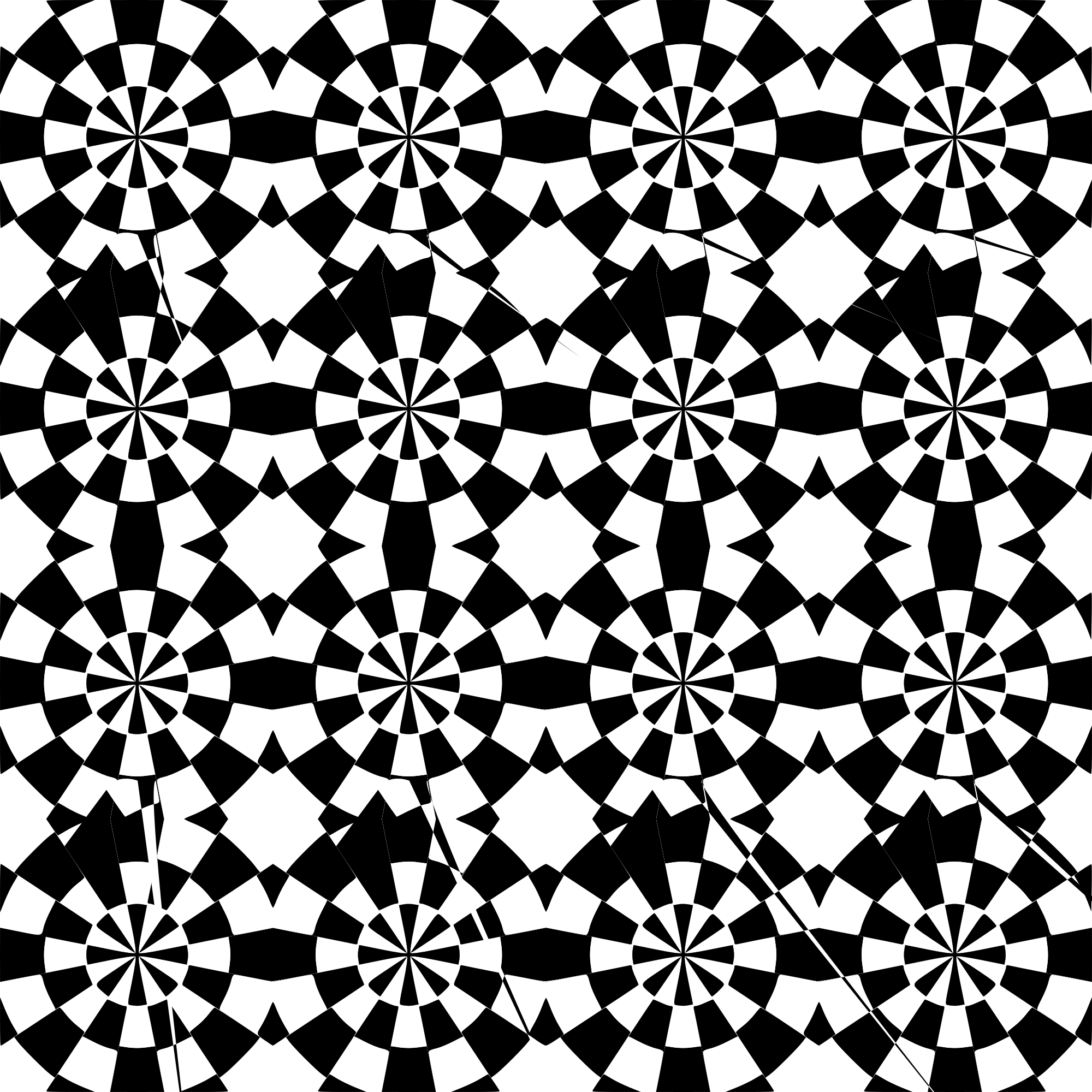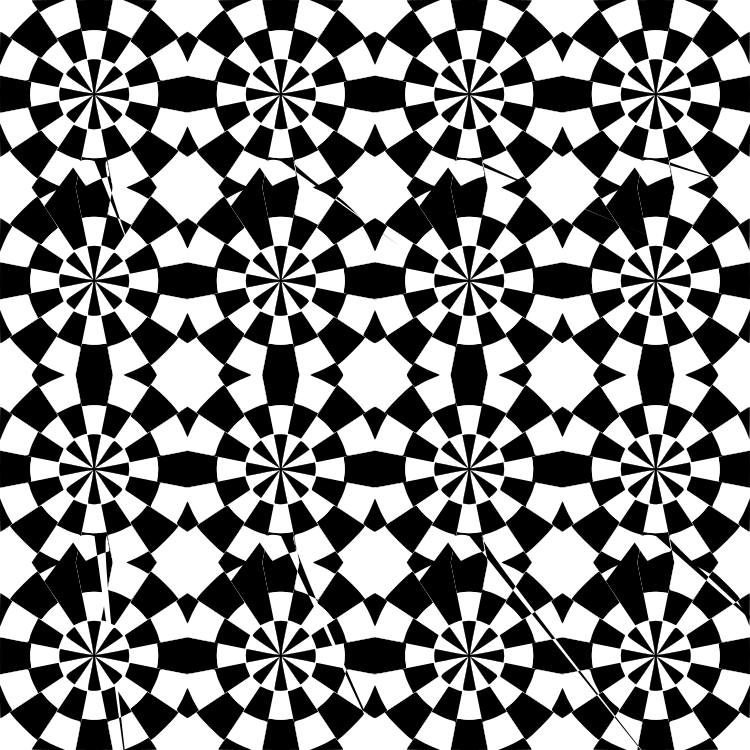
Background pattern 9 (B&W) Klipọn
Backgrounds & Patterns
· site na Firkin
· 2 ibudata
CC0 (Public Domain)
CC0 Public Domain: free for personal and commercial use, no attribution required.
Ikikere →
Background pattern 9 (B&W) by Firkin (CC0 (Public Domain)), via Clipart.Free
Credit is optional. CC0 requires none.
N'ihe banyere inyogo a
Black & white version of a pattern that came out of playing with the 'light rays' plug-in for Paint.net
| Dìmánìks | 750 × 750 px (SVG, scales to any size) |
|---|---|
| Ụhara faịlụ | 311.0 KB SVG · PNG 400/800/2000 px |
| Ikikere | CC0 (Public Domain) · Nkọwapụtala ikikembanye Clipart |
| Ọrụ | Firkin |
| Òtù | Openclipart · Ihu ndị ahụ → |
Tags
Ịchọrọ ịgbanwe mọọbụ dezie nke a?
Turn the SVG into PDF, ICO or WebP (or resize the PNG) with free online converters.
Faịlụ ndị na-atụgharị →Ńkwádó usoroiheomume?
Fetch this image (and the whole library) as JSON with a free API key: 500 requests/day.
Dọkumenti ndị ahụ →
Love Clipart.Free? Kpọnye ya
Ajụjụ ndị a na-ajụkarị
Yes. "Background pattern 9 (B&W)" is dedicated to the public domain under CC0 1.0: the artist waived all copyright. You can download, edit, print and republish it for any purpose, personal or commercial, without asking anyone.
Yes. CC0 (Public Domain) artwork requires no attribution and no fee, even in commercial work: products, client projects, apps, packaging and print. A credit is appreciated but never required.
The master file is a 750x750 px SVG vector (311.0 KB) that scales to any size without quality loss. Ready-made transparent PNGs are available at 400, 800 and 2000 pixels wide, with no signup and no watermark.
"Background pattern 9 (B&W)" was drawn by Firkin and shared on Openclipart under a public-domain dedication. The source page is linked in the details above. Crediting the artist is optional but a nice gesture.
Pịa "Background pattern 9 (B&W)" n'okpuru nhazi gị n'ọbụla nchịkọta akụkọ, mọọbụ kọwaa SVG site na CSS maka okpuru weebụ dị n'okpuru. Weghachi ụcha nke n'ime ka ọ ga-adaba na páilụ̀ gị n'oge mbụ.
Download the SVG and open it in a free editor like Inkscape (desktop) or a browser tool, or paste it straight into Figma with the Copy SVG button. Every shape and color is editable, and your modified version is yours to keep or sell.