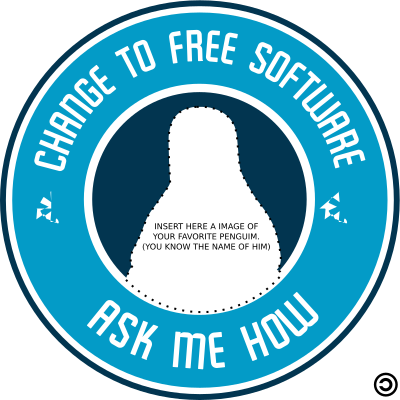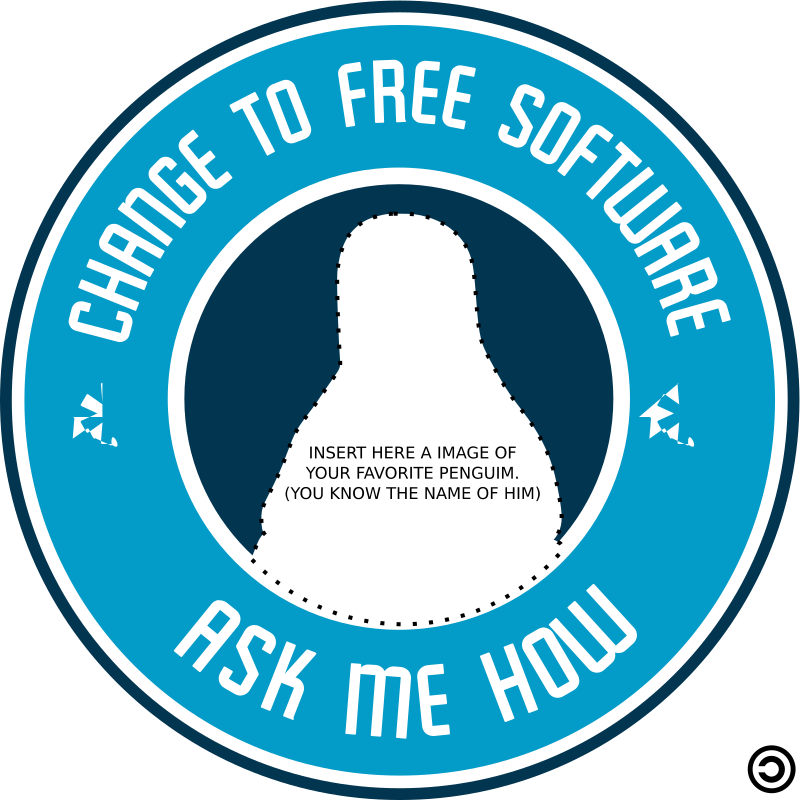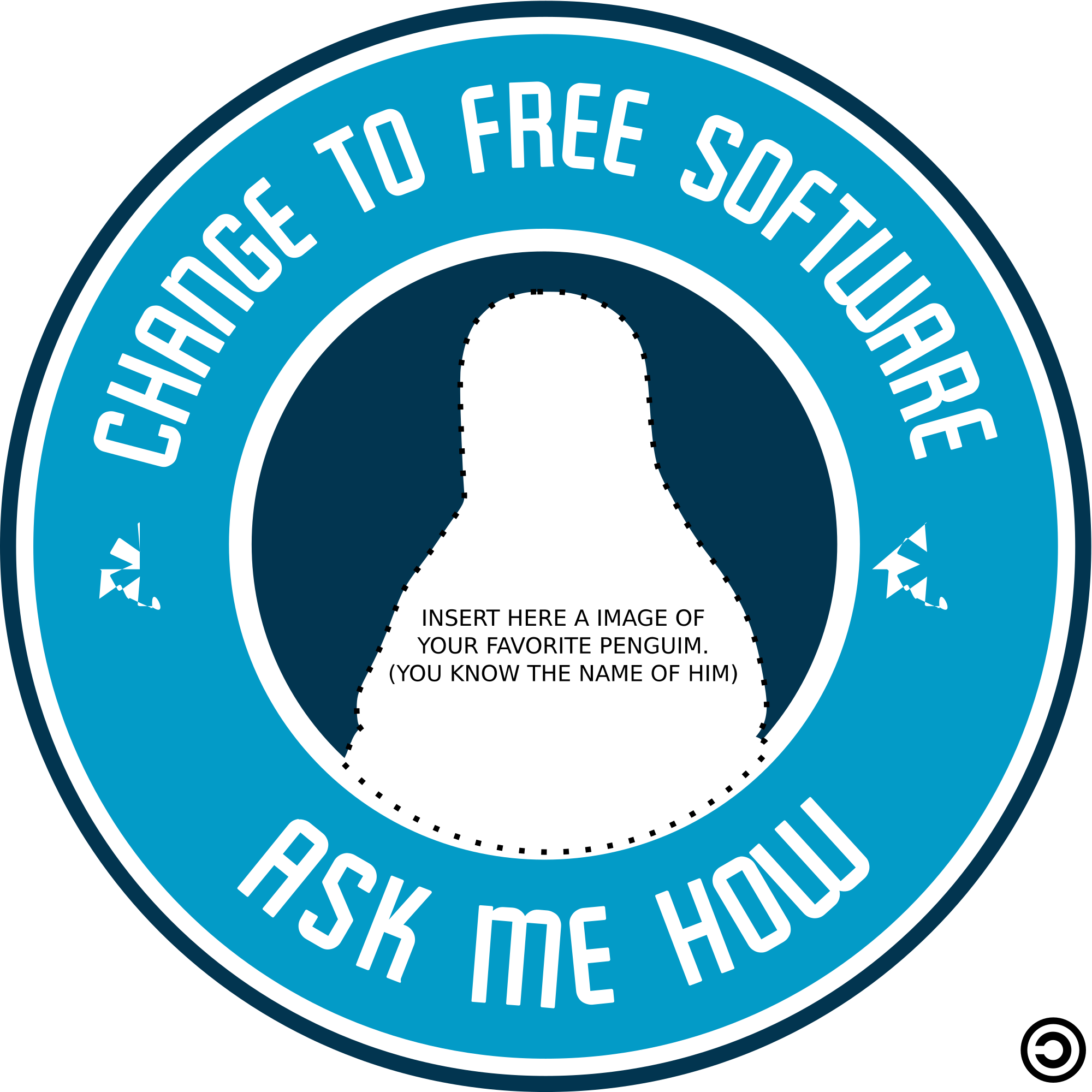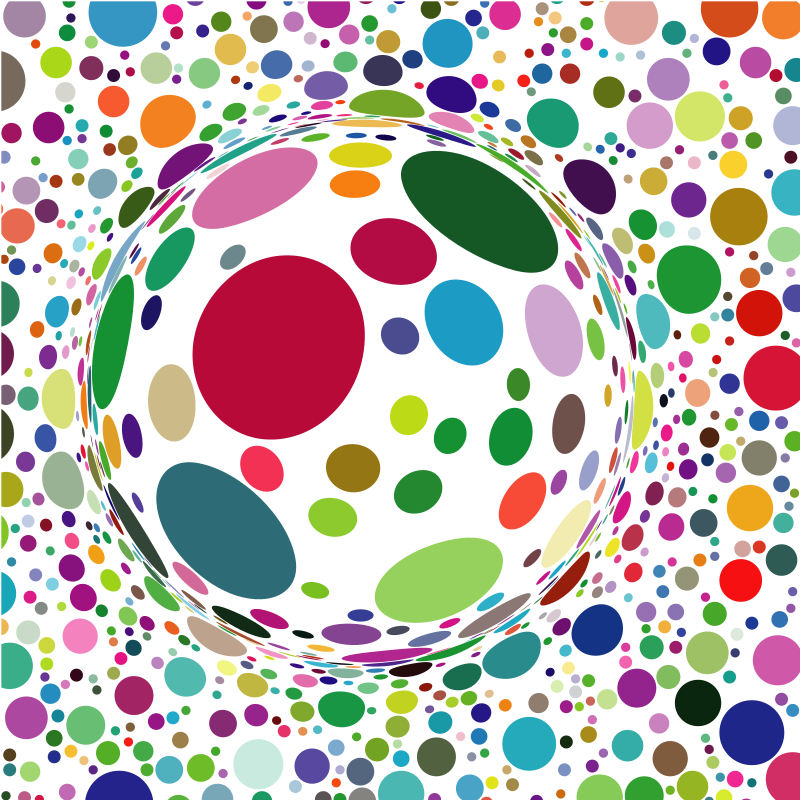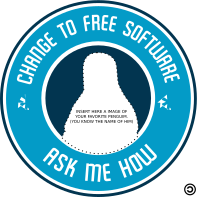
Change to Free Software - Ask me How ClipartCity in New Jersey USA
Computer & Technology
· di cliparteles
CC0 (Public Domain)
CC0 Public Domain - gratuito per uso personale e commerciale, nessuna attribuzione richiesta.
Atto di licenza →
Change to Free Software - Ask me How - cliparteles (CC0 (Public Domain)), via Clipart.Free
Il credito è facoltativo - CC0 non richiede alcun credito.
Informazioni su questa immagine
sticker / logo: Change to Free Software - Ask me How
| Dimensioni | 197 × 197 px (SVG - scales to any size) |
|---|---|
| Dimensione file | 32.9 KB SVG · PNG 400/800/2000 px |
| Licenza | CC0 (Public Domain) · Le licenze Clipart spiegate |
| Artista | cliparteles |
| Fonte | Openclipart · Pagina originale → |
Etichette
Hai bisogno di convertire o modificare questo?
Trasformate il SVG in PDF, ICO o WebP - o ridimensionate il PNG - con convertitori online gratuiti.
Convertitori di file gratuiti →Costruire un'app?
Ricevi questa immagine (e tutta la libreria) come JSON con una chiave API gratuita - 500 richieste al giorno.
Documenti sulle API di Clipart →Domande frequenti
Sì. "Change to Free Software - Ask me How" è dedicato al pubblico dominio sotto CC0 1.0 - l'artista ha rinunciato a tutti i diritti d'autore. È possibile scaricare, modificare, stampare e ripubblicare per qualsiasi scopo, personale o commerciale, senza chiedere a nessuno.
Sì. CC0 (Public Domain) opere d'arte non richiede alcuna attribuzione e nessuna tassa, anche in lavori commerciali - prodotti, progetti client, applicazioni, imballaggio e stampa. Un credito è apprezzato ma mai richiesto.
Il file master è un vettore 197x197 px SVG (32.9 KB) che scala a qualsiasi dimensione senza perdita di qualità. Le PNG trasparenti pronte sono disponibili a 400, 800 e 2000 pixel di larghezza - nessuna registrazione, nessuna filigrana.
"Change to Free Software - Ask me How" è stato disegnato da cliparteles e condiviso su Openclipart sotto una dedica di dominio pubblico. La pagina sorgente è collegata nei dettagli sopra - accreditare l'artista è facoltativo ma un bel gesto.
"Change to Free Software - Ask me How" illustra la documentazione, tutorial, startup deck e app schermate di bordo - e CC0 significa che può spedire all'interno del prodotto stesso.
Scaricate il SVG e apritelo in un editor gratuito come Inkscape (desktop) o uno strumento del browser - o incollalo direttamente in Figma con il pulsante Copia SVG. Ogni forma e colore è modificabile, e la vostra versione modificata è vostra da mantenere o vendere.