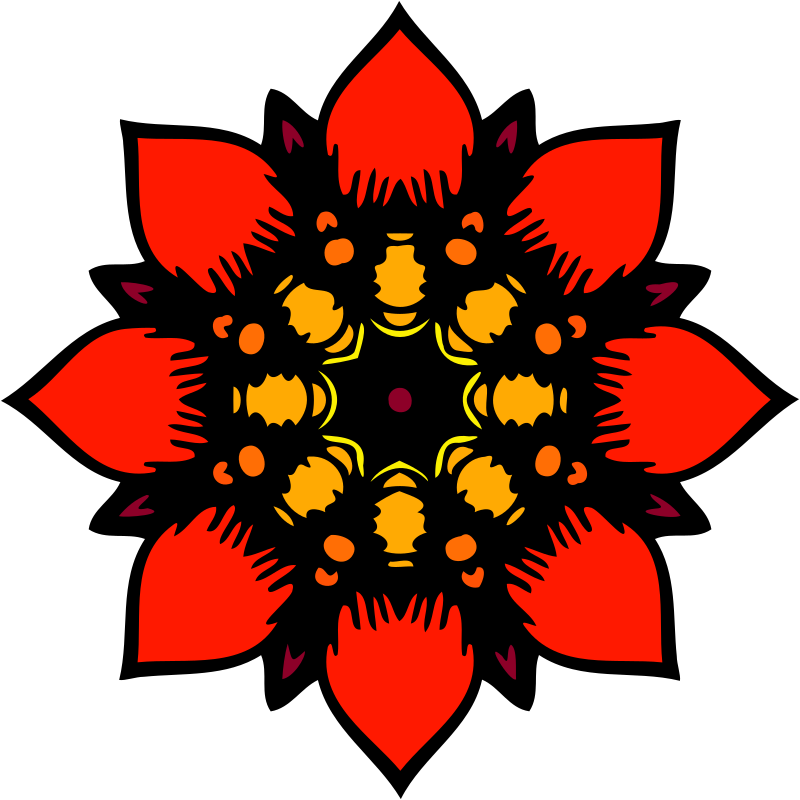
Flower Daisy 16 petal ClipArt
Flowers
· tərəfindən BAJ
CC0 (Public Domain)
CC0 Public Domain - şəxsi və kommersiya istifadəsi üçün pulsuz, heç bir etibar tələb olunmur.
Lisenziya →
Flower Daisy 16 petal - BAJ (CC0 (Public Domain)), via Clipart.Free
Kredit seçimlidir - CC0 heç bir şey tələb etmir.
Rəsm haqqında
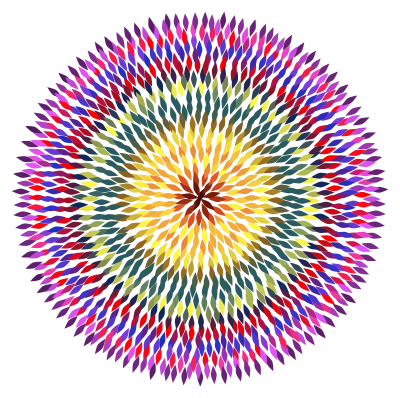
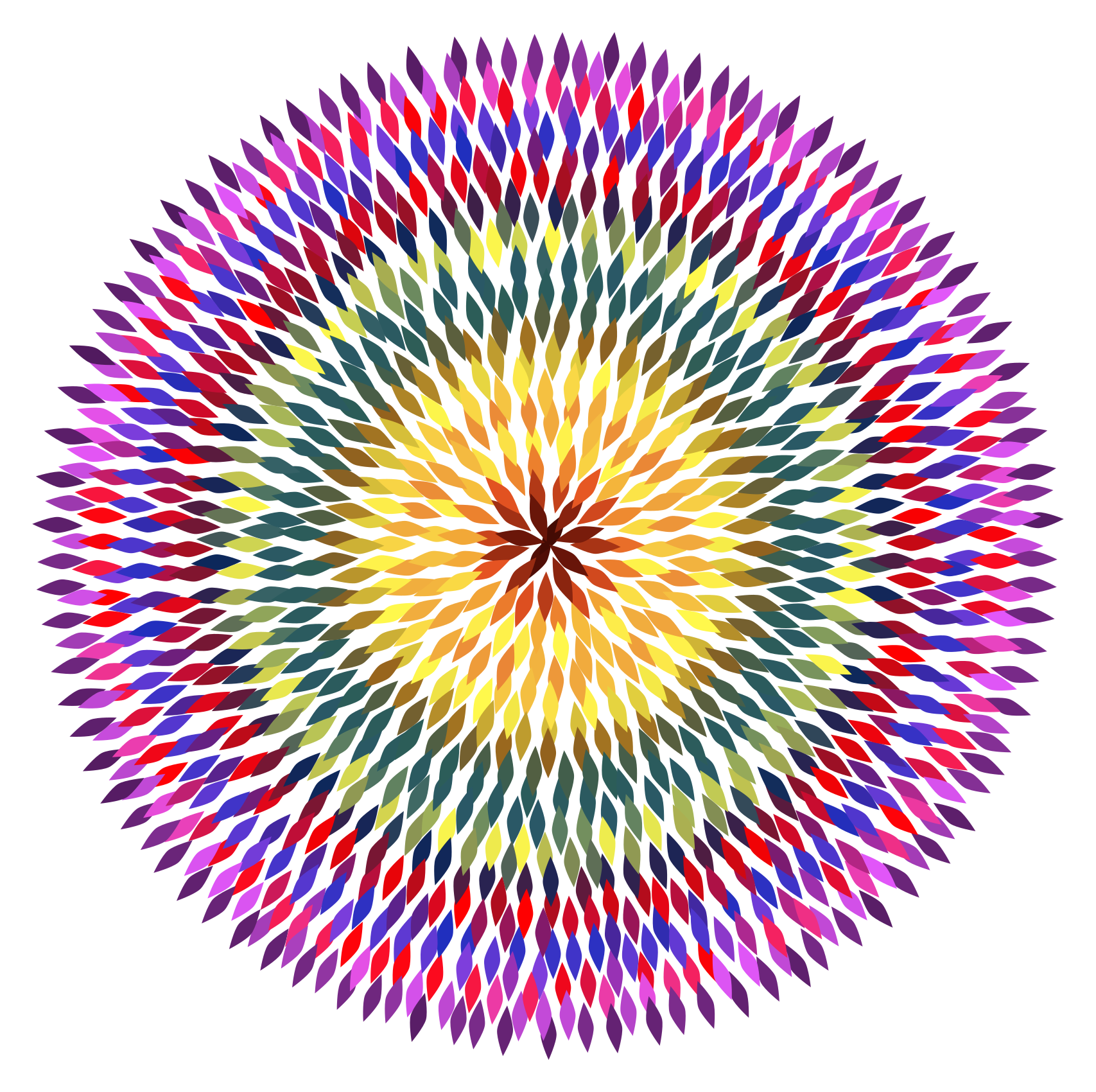
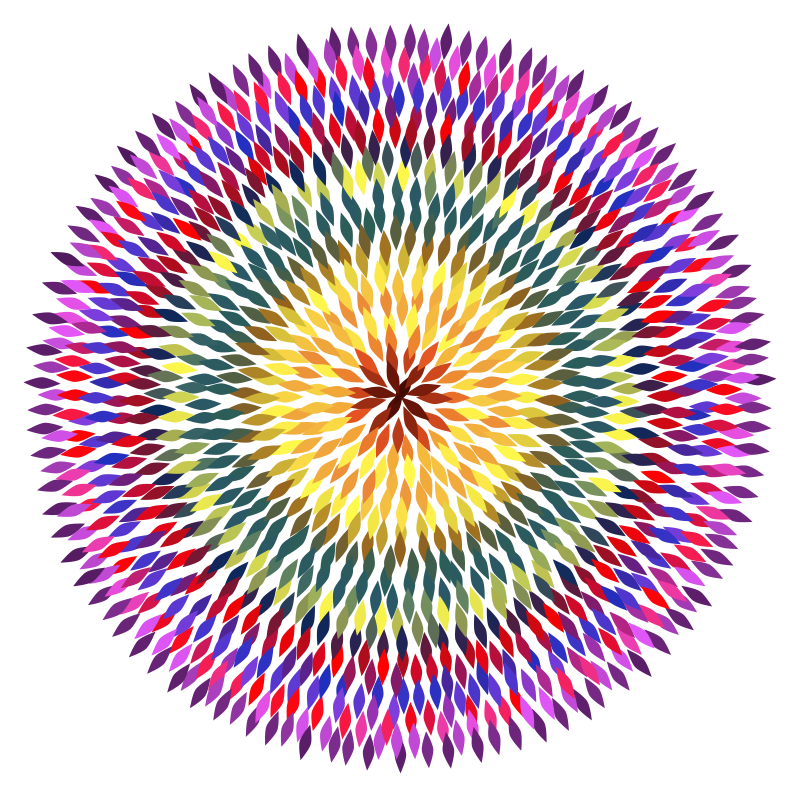
A flower that could be a daisy or an aster. It is made from a 16 petal symmetrical template.
| Ölçülər | 360 × 360 px (SVG - scales to any size) |
|---|---|
| Fayl Böyüdüyü | 345.7 KB SVG · PNG 400/800/2000 px |
| Lisenziya | CC0 (Public Domain) · Clipart lisenziyaları izah edildi |
| İfadəçi | BAJ |
| Mənbə | Openclipart · Əsas səhifə → |
Etiketlər
Bu mətni çevirmək və ya redaktə etmək lazımdır?
SVG-ni PDF, ICO və ya WebP-yə çevirin - ya da PNG-nin ölçüsünü dəyişdirin - pulsuz onlayn çeviricilərlə.
Fayl çeviriciləri →Proqram
Bu rəsmi (və bütün kitabxananın) pulsuz API açarı ilə JSON olaraq götür - 500 tələb/gün.
Clippart API sənədləri →Tez-tez soruşulan suallar
Bəli. "Flower Daisy 16 petal" CC0 1.0 altında ictimai domenin mülkiyyətindədir - rəssam bütün müəllif hüquqlarından imtina etmişdir. Siz onu istənilən məqsədlə, şəxsi və ya kommersiya məqsədilə, heç kəsi soruşmadan yükləyə, redaktə edə, çap edə və ya yenidən nəşr edə bilərsiniz.
Bəli. CC0 (Public Domain) rəsm əsəri heç bir təsdiq və heç bir ödəniş tələb etmir, hətta kommersiya işi - məhsullar, müştəri layihələri, tətbiqlər, paketləmə və çapda belə. Təsdiq dəyərlidir amma heç vaxt tələb edilmir.
Əsas fayl keyfiyyət itkisi olmadan istənilən ölçüyə ölçülən 360x360 px SVG vektorudur (345.7 KB). Hazırkı şeffaf PNG-lər 400, 800 və 2000 piksel genişlikdə mövcuddur - qeydiyyat və su nişanı yoxdur.
"Flower Daisy 16 petal" BAJ tərəfindən çəkilib və Openclipart-da ictimai domenin şərəfinə paylaşılıb. Mənbə səhifəsi yuxarıda olan detallarda bağlantıdır - rəssamla əlaqələndirmək seçimlidir amma gözəl bir hərəkətdir.
"Flower Daisy 16 petal" dəvətnamələr, təbrik kartları, yay təşviqatları və rəsm kəsmə maşınları üçün əla uyğundur - SVG Cricut-style plotterlərdə təmiz kəsilir.
SVG-ni yüklə və onu Inkscape (desktop) və ya bir brauzer vasitəsi kimi pulsuz redaktorda aç - ya da onu SVG-ni Köçür düyməsi ilə Figma-ya düzəlt. Hər bir şəkil və rəng redaktə edilə bilər və dəyişdirilmiş versiyası saxlamaq və ya satmaq üçün sizindir.