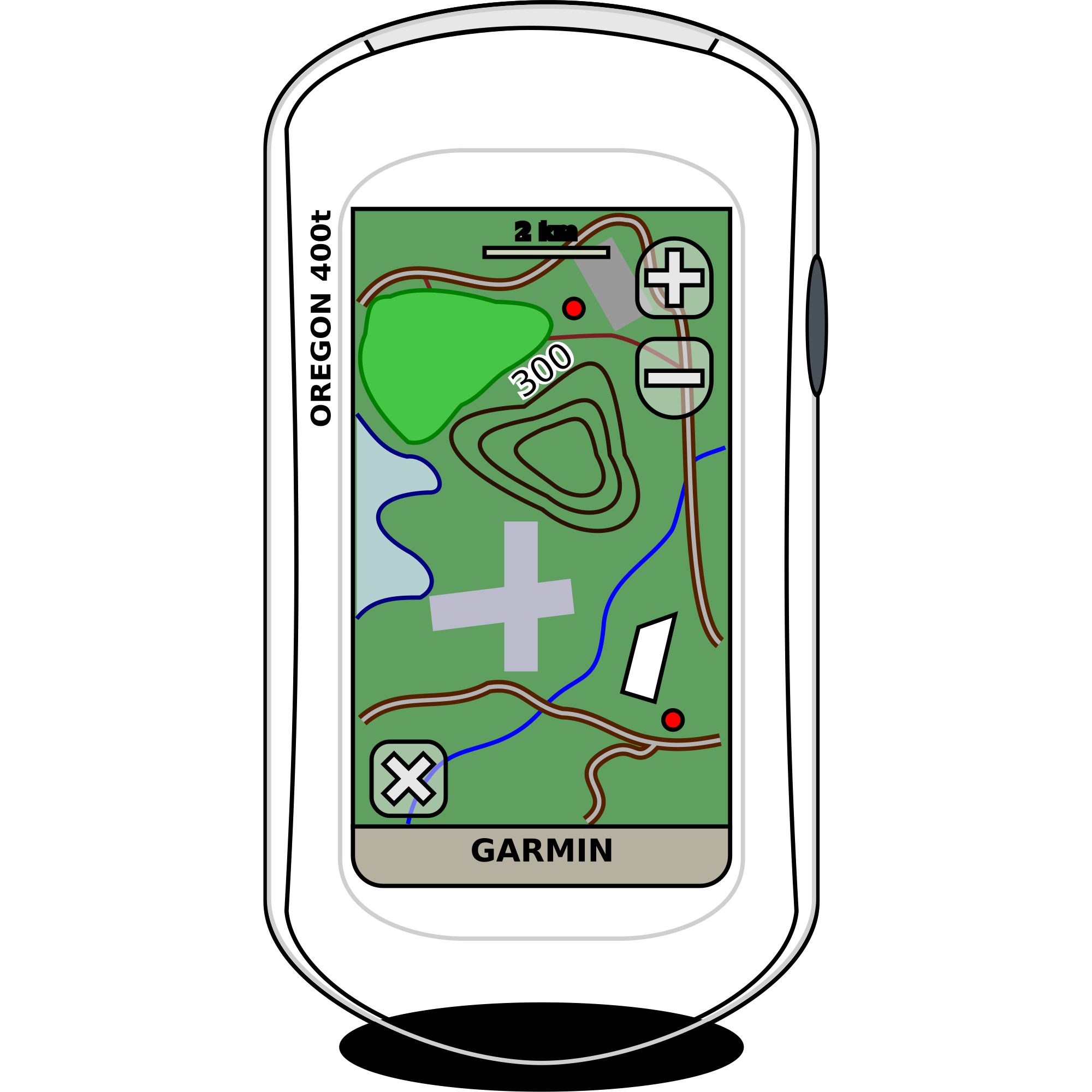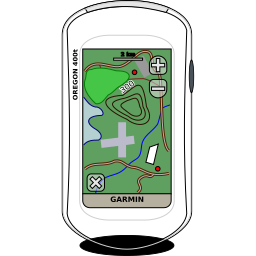
GPS Garmin Oregon 400t Kitskuns Program
Signs & Symbols
· deur mermar
CC0 (Public Domain)
Dié openbare domein - vry vir persoonlike en kommersiële gebruik, het geen toerverdraging vereis nie.
Lisensie-aksie →
GPS Garmin Oregon 400t - mermar (CC0 (Public Domain)), via Clipart.Free
Krediet is opsioneel - CC0 vereis geen.
Aangaande hierdie beeld
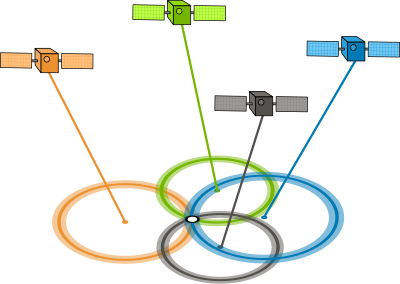
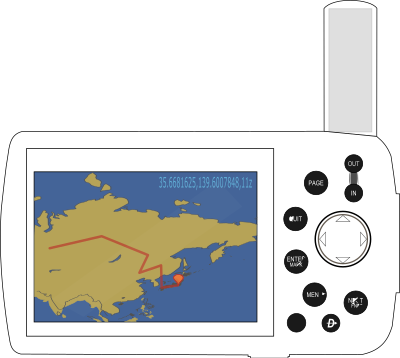
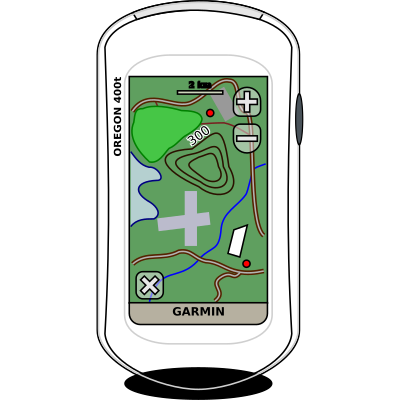
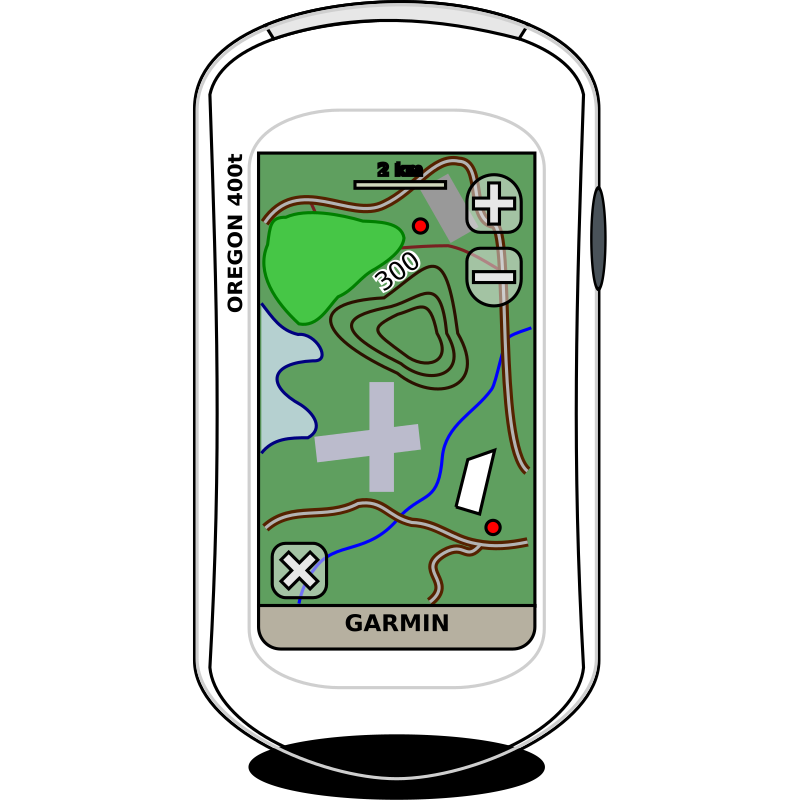
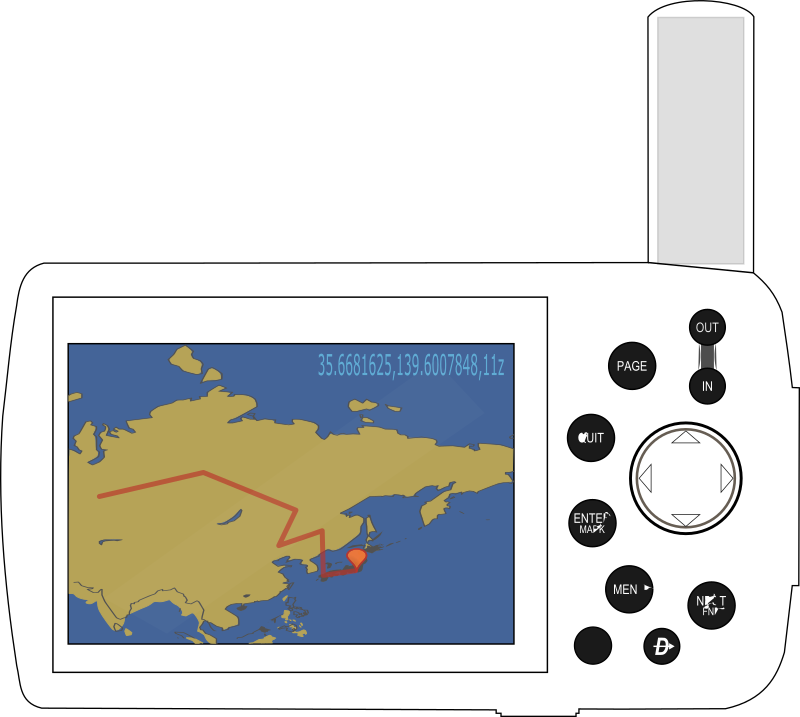
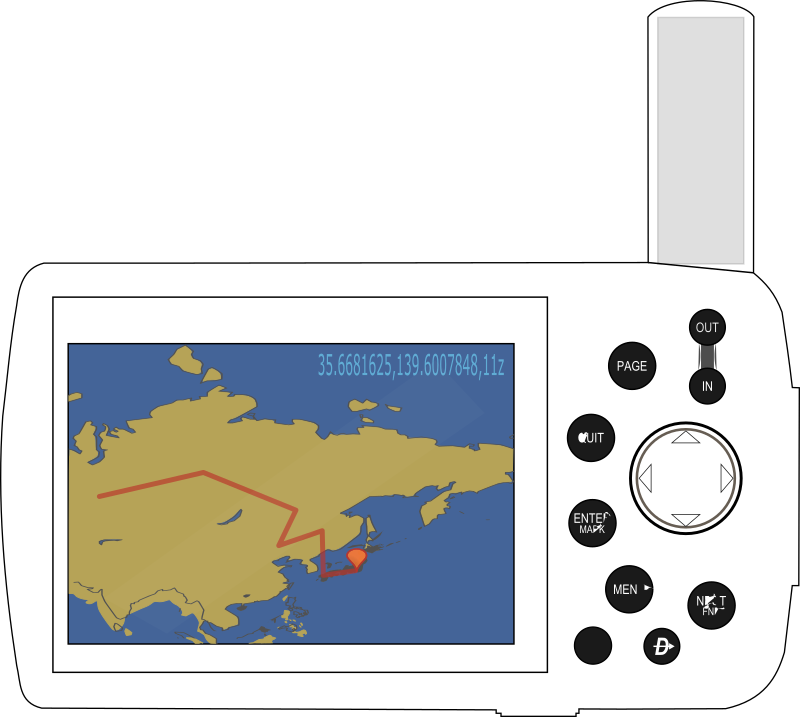
GPS unit Garmin Oregon 400t.
| Dimensies | 256 × 256 px (SVG - scales to any size) |
|---|---|
| Lêergrootte | 38.8 KB SVG · PNG 400/800/2000 px |
| Lisensie | CC0 (Public Domain) · Wetslisensies verduidelik |
| Kunstenaar | mermar |
| Bron | Openclipart · Oorspronklike bladsy → |
Merkers
Moet hierdie omgeskakel of redigeer?
Draai die SVG in PDF, ICO of webP - of hervergroot die PNG - met gratis aanlyn omsetlers.
Vry lêer omskakels →Om'n app te bou?
Gaan haal hierdie beeld (en die hele biblioteek) as JSON met 'n gratis API sleutel - 500 versoeke/dag.
Kitskuns ProgramName →Dikwels gevra vrae
Ja. "GPS Garmin Oregon 400t" is toegewy aan die openbare domein onder CC0 1. 0 - die kunstenaar het al die kopiereg afgelaai. Jy kan dit aflaai, redigeer, druk en heropsetteer vir enige doel, persoonlike of kommersiële, sonder om enigiemand te vra.
Ja. CC0 (Public Domain) kunswerk vereis geen toelaag en geen koste nie, selfs nie in kommersiële werk nie - produkte, kliëntprojekte, apps, verpakking en druk. 'n Krediet word waardeer, maar nooit benodig nie.
Die meesterlêer is 'n 256x256 px SVG-vetor (38.8 KG) wat skaal tot enige grootte sonder kwaliteit verlies. Gereed-gemaakte deursigtige PNG's is beskikbaar by 400, 800 en 2000 pixels wye - nee tekenup, geen watermerk.
"GPS Garmin Oregon 400t" is deur mermar getrek en het deelgeneem aan Openclipart onder 'n openbare-domein toewyding. Die bronblad word gekoppel in die besonderhede hierbo - krediet aan die kunstenaar is opsioneel maar 'n mooi gebaar.
"GPS Garmin Oregon 400t" skubbe skoon van favicon na vloerteken. Vir gereguleerde veiligheid signeer, bevestig teen jou plaaslike standaard (ISO 7010/OSO) - vir alles anders is dit gereed as-is.
Laai die SVG-program af en maak dit oop in 'n vry redigeerder soos Inkscape (desktop) of' n blaaier program - of plak dit reg in Figma met die Kopie SVG-knoppie. Elke vorm en kleur is redigeerbaar, en jou veranderde weergawe is joune om te hou of te verkoop.