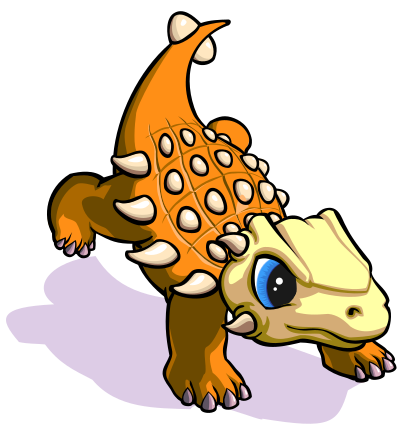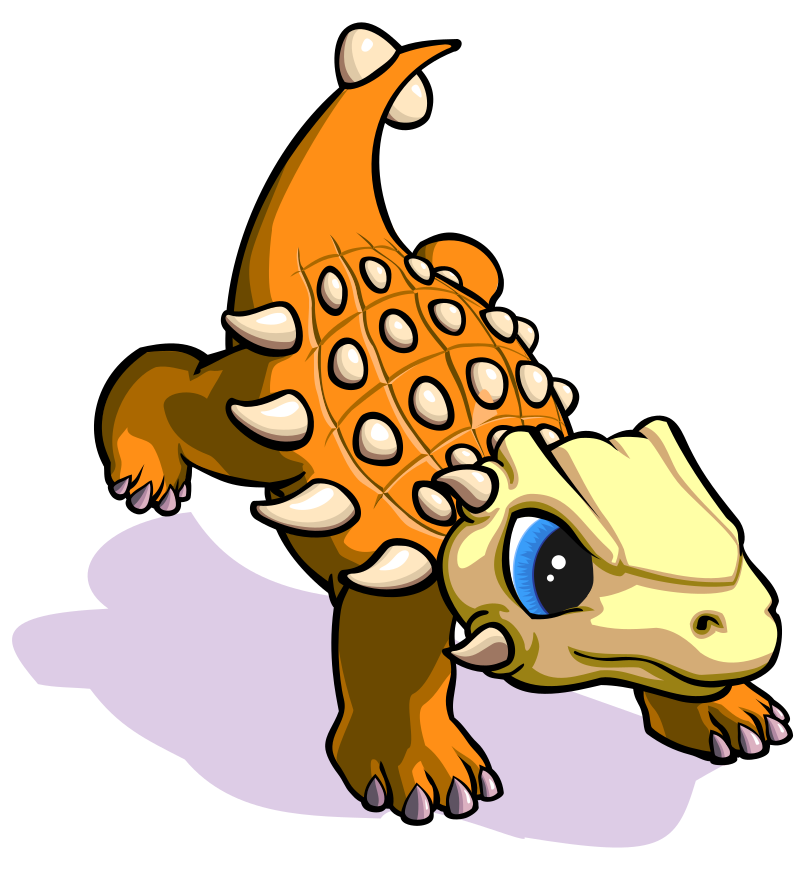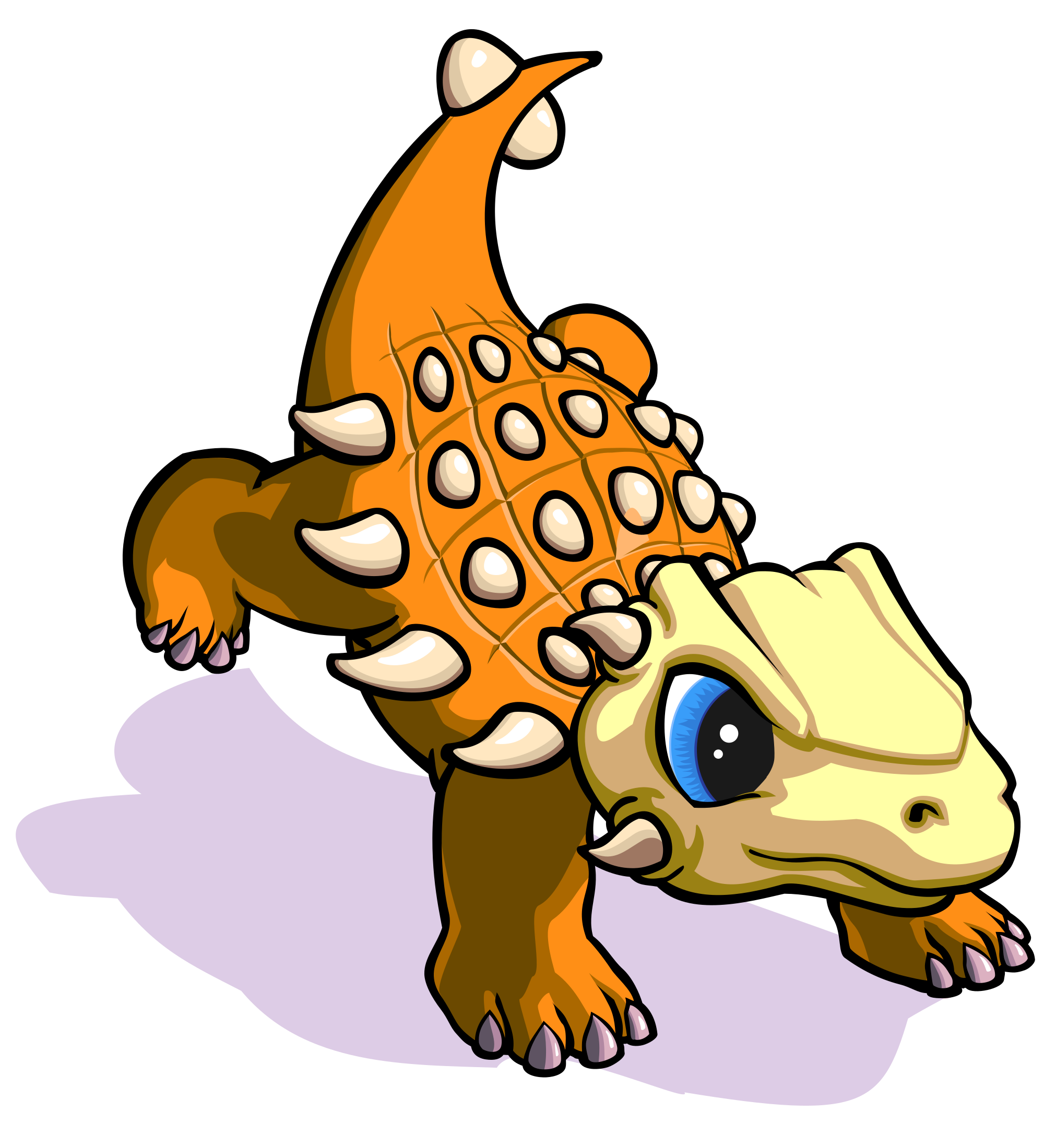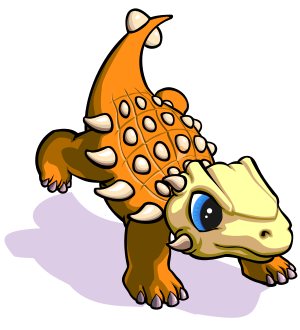
Khủng Long Giáp 2 - Ankylosaurus Baby 2 Clipart
Animals
· par 星球
· 2 téléchargements
⬇ Télécharger SVG
✓ Téléchargement gratuit - pas d'inscription, pas de filigrane
CC0 (Public Domain)
CC0 Domaine public - gratuit pour un usage personnel et commercial, aucune attribution requise.
Acte de licence →
Khủng Long Giáp 2 - Ankylosaurus Baby 2 - 星球 (CC0 (Public Domain)), via Clipart.Free
Le crédit est facultatif - CC0 n'exige aucun crédit.
A propos de cette image
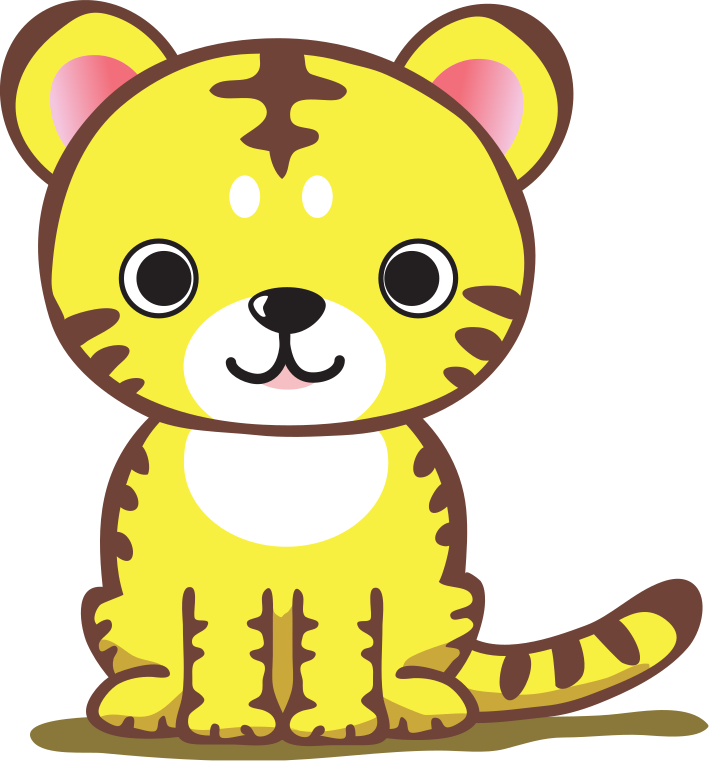
Khủng long giáp bé em gái út thiết kế giùm cho một dự án iOS (bị hủy) tên "Thời Đại Khủng Long" và tôi tô màu cho nó. Vẽ xong 2014.05.17
| Dimensions | 300 × 330 px (SVG - scales to any size) |
|---|---|
| Taille du fichier | 134.1 KB SVG · PNG 400/800/2000 px |
| Licence | CC0 (Public Domain) · Licences Clipart expliquées |
| Artiste | 星球 |
| Source | Openclipart · Page originale → |
Étiquettes
Besoin de convertir ou de modifier cela?
Transformez le SVG en PDF, ICO ou WebP - ou redimensionnez le PNG - avec des convertisseurs en ligne gratuits.
Convertisseurs de fichiers gratuits →Construire une application?
Saisissez cette image (et toute la bibliothèque) comme JSON avec une clé API gratuite - 500 requêtes/jour.
Docs API de Clipart →
Amour Clipart.Free? Partagez-le
Foire aux questions
Oui. « Khủng Long Giáp 2 - Ankylosaurus Baby 2 » est dédié au domaine public sous CC0 1.0 - l'artiste a renoncé à tout droit d'auteur. Vous pouvez télécharger, éditer, imprimer et republier le contenu à n'importe quelle fin, personnelle ou commerciale, sans demander à personne.
Oui. CC0 (Public Domain) l'oeuvre n'exige aucune attribution et aucun frais, même dans le travail commercial - produits, projets clients, applications, emballage et impression. Un crédit est apprécié mais jamais exigé.
Le fichier maître est un vecteur SVG 300x330 px (134.1 KB) qui s'équilibre à n'importe quelle taille sans perte de qualité. Les PNG transparents prêts à l'emploi sont disponibles à 400, 800 et 2000 pixels de large - pas d'inscription, pas de filigrane.
« Khủng Long Giáp 2 - Ankylosaurus Baby 2 » a été dessiné par 星球 et partagé sur Openclipart sous une dédicace de domaine public. La page source est liée dans les détails ci-dessus - créditer l'artiste est facultatif mais un geste agréable.
"Khủng Long Giáp 2 - Ankylosaurus Baby 2" fonctionne bien sur les feuilles de travail en classe, les invitations à l'anniversaire, les projets de marque et d'artisanat d'entreprise pour animaux de compagnie - et étant un vecteur, il imprime aussi fortement sur une affiche qu'il rend dans une diapositive.
Téléchargez le SVG et ouvrez-le dans un éditeur gratuit comme Inkscape (desktop) ou un outil de navigateur - ou collez-le directement dans Figma avec le bouton Copier SVG. Chaque forme et couleur est modifiable, et votre version modifiée est à vous de conserver ou de vendre.