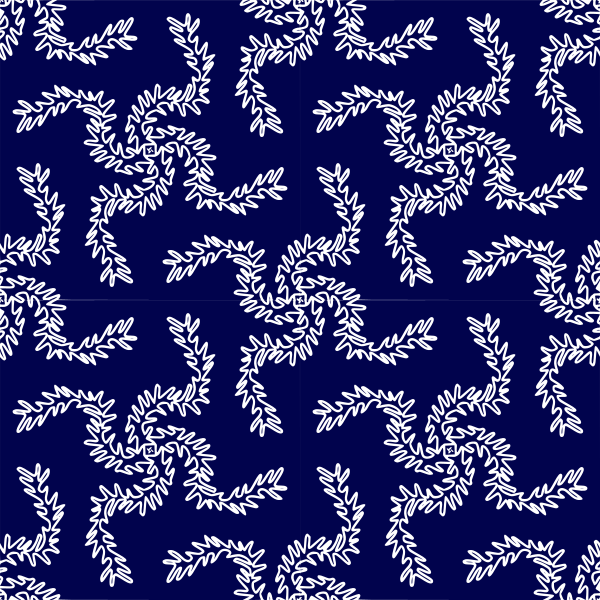
Leaf seamless pattern Clipart
Backgrounds & Patterns
· by yamachem
CC0 (Public Domain)
CC0 Public Domain - free for personal and commercial use, no attribution required.
License deed →
Leaf seamless pattern - yamachem (CC0 (Public Domain)), via Clipart.Free
Credit is optional - CC0 requires none.
About this image
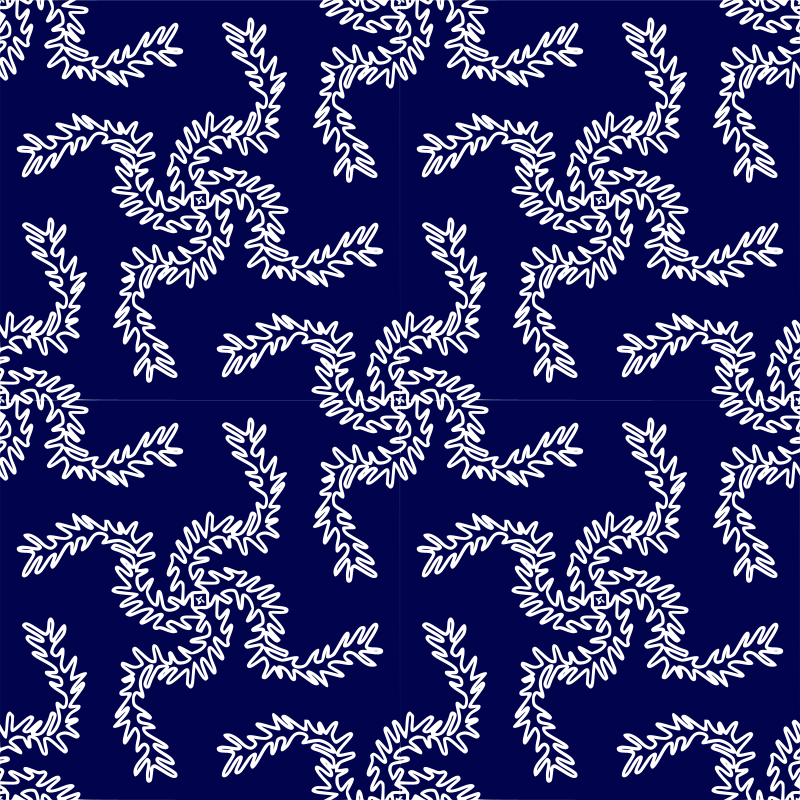
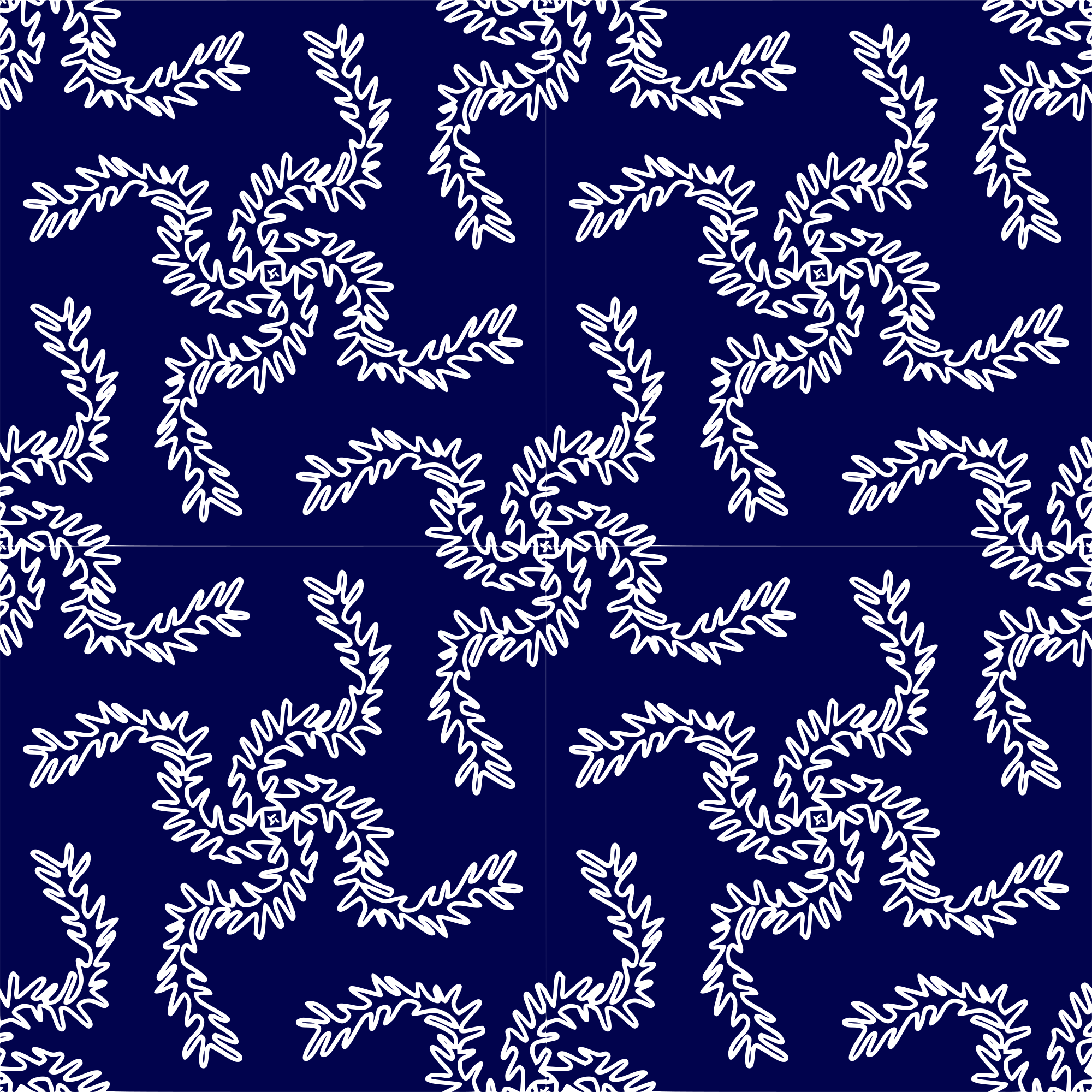
The image depicts a tiled seamless pattern.<br /> The tile represents four leaves aligned every 90 ° , which may look like a bird or a <br /> dragon .<br /> The original leaf design is from a Japanese old book.
| Dimensions | 600 × 600 px (SVG - scales to any size) |
|---|---|
| File size | 469.9 KB SVG · PNG 400/800/2000 px |
| License | CC0 (Public Domain) · Clipart licenses explained |
| Artist | yamachem |
| Source | Openclipart · Original page → |
Tags
Need to convert or edit this?
Turn the SVG into PDF, ICO or WebP - or resize the PNG - with free online converters.
Free file converters →Building an app?
Fetch this image (and the whole library) as JSON with a free API key - 500 requests/day.
Clipart API docs →Frequently asked questions
Yes. "Leaf seamless pattern" is dedicated to the public domain under CC0 1.0 - the artist waived all copyright. You can download, edit, print and republish it for any purpose, personal or commercial, without asking anyone.
Yes. CC0 (Public Domain) artwork requires no attribution and no fee, even in commercial work - products, client projects, apps, packaging and print. A credit is appreciated but never required.
The master file is a 600x600 px SVG vector (469.9 KB) that scales to any size without quality loss. Ready-made transparent PNGs are available at 400, 800 and 2000 pixels wide - no signup, no watermark.
"Leaf seamless pattern" was drawn by yamachem and shared on Openclipart under a public-domain dedication. The source page is linked in the details above - crediting the artist is optional but a nice gesture.
Place "Leaf seamless pattern" behind your design in any editor, or reference the SVG from CSS for a crisp, tiny website background. Recolor the fills to match your palette first.
Download the SVG and open it in a free editor like Inkscape (desktop) or a browser tool - or paste it straight into Figma with the Copy SVG button. Every shape and color is editable, and your modified version is yours to keep or sell.