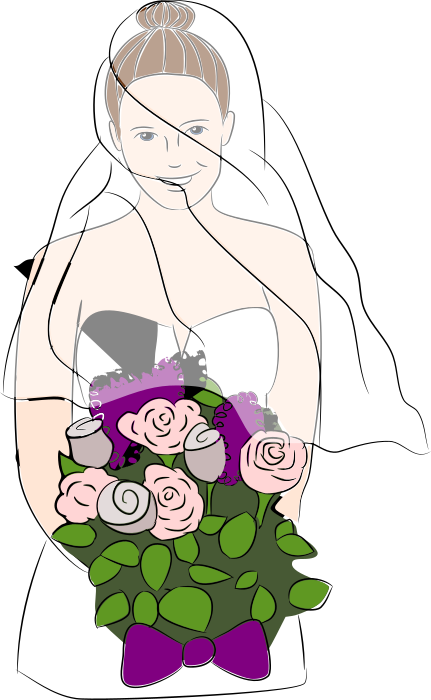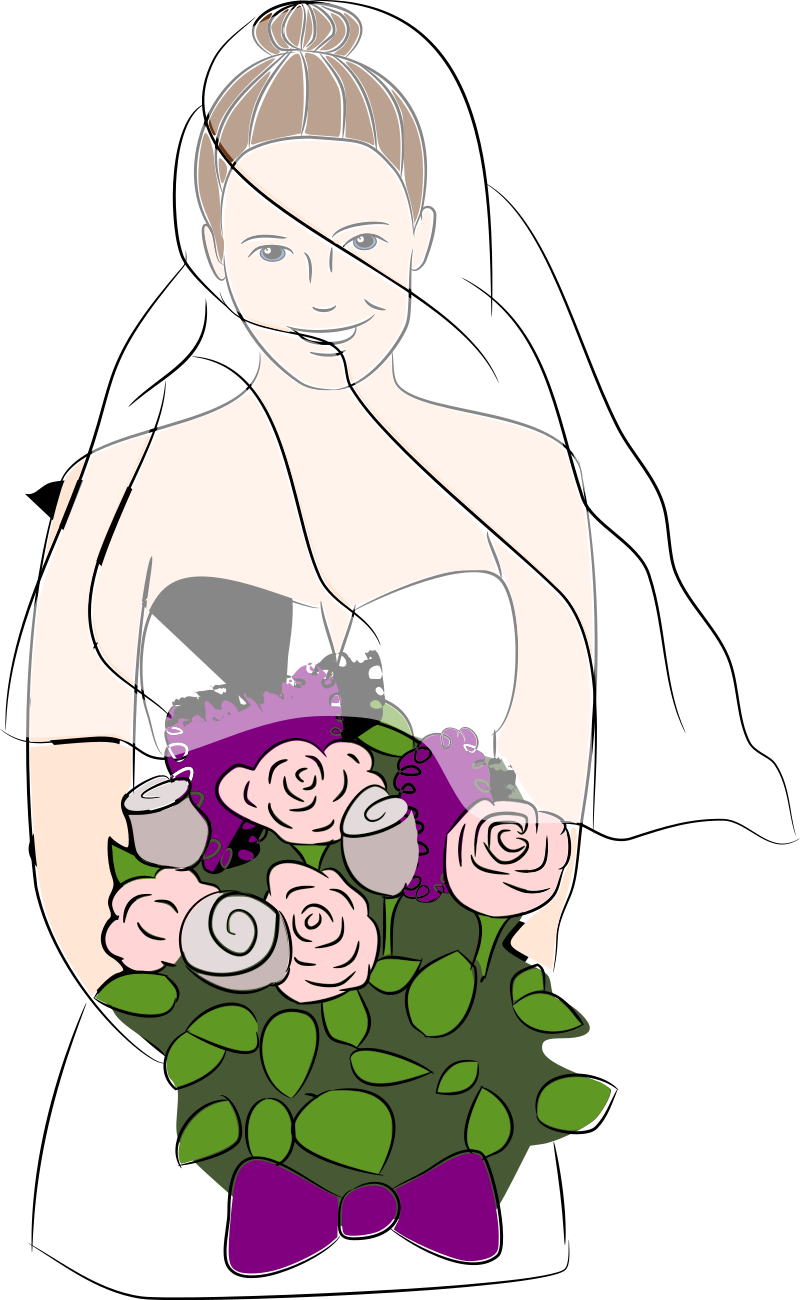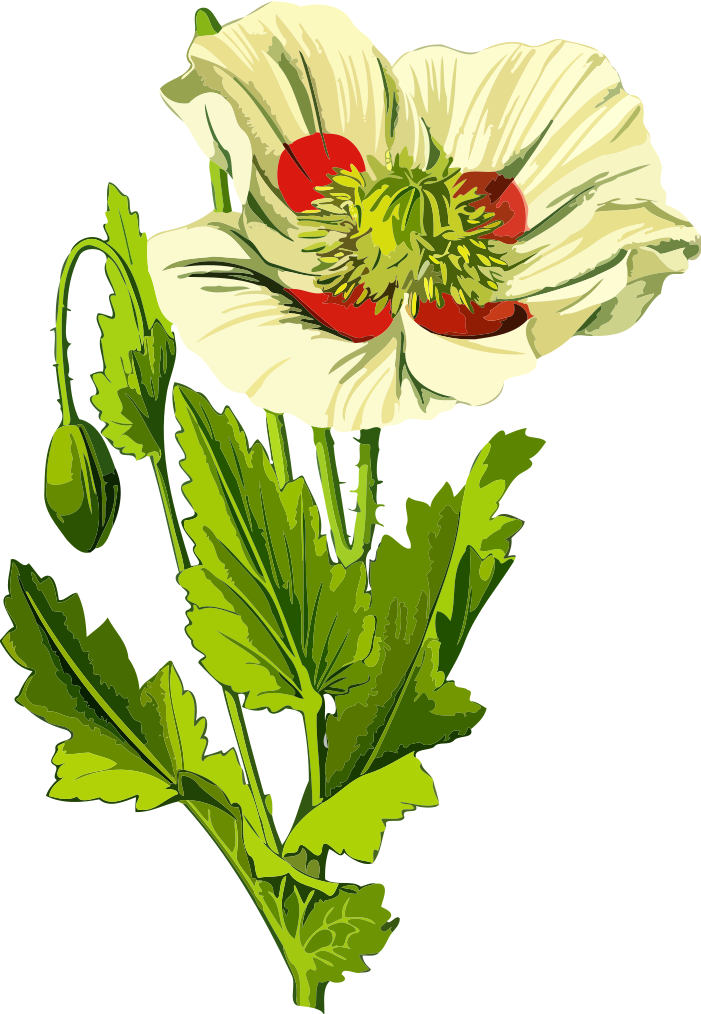
Opium poppy 3 (low resoloution) Кліпарт
Flowers
· па Firkin
CC0 (Public Domain)
CC0 Public Domain - бясплатна для асабістага і камерцыйнага выкарыстання, без патрабавання аўтарства.
Ліцэнзійны дагавор →
Opium poppy 3 (low resoloution) - Firkin (CC0 (Public Domain)), via Clipart.Free
Усе звароты да мовы не патрабуюць CC0.
Пра гэтае відарыс
From a drawing in 'Flora von Deutschland', Otto Wilhelm Thomé, 1885. Version for those needing a small file size and can sacrifice resolution.
| Памер | 701 × 1014 px (SVG - scales to any size) |
|---|---|
| Памер файла | 185.3 KB SVG · PNG 400/800/2000 px |
| Ліцэнзія | CC0 (Public Domain) · Ліцэнзіі на малюнкі |
| Выканаўца | Firkin |
| Крыніца | Openclipart · Першая старонка → |
& Тэчкі
Неабходна пераўтварыць або змяніць?
Пераўтварыць SVG у PDF, ICO або WebP - або змяніць памер PNG - з бясплатнымі онлайн-канвэртарамі.
Свабодныя канвэртары файлаў →Стварэнне праграмы?
Атрымаць гэты вобраз (і ўсю бібліятэку) як JSON з бясплатным ключом API - 500 запытаў/дзень.
Кліпарт API дакументацыі →Частыя пытанні
Так. "Opium poppy 3 (low resoloution)" знаходзіцца ў грамадскім дамене па ліцэнзіі CC0 1. 0 - аўтар адмовіўся ад усіх аўтарскіх правоў. Вы можаце спампаваць, змяніць, надрукаваць і перавыдаць яго для любых мэтаў, асабістых ці камерцыйных, без пытаньня.
Так. CC0 (Public Domain) малюнкі не патрабуюць ніякіх спасылак і не патрабуюць плацяжу, нават у камерцыйных працах - прадуктах, кліенцкіх праектах, праграмах, пакунках і друку. Спісы карыстальнікаў цэняцца, але ніколі не патрабуюцца.
The master file is a 701x1014 px SVG vector (185.3 KB) that scales to any size without quality loss. Ready-made transparent PNGs are available at 400, 800 and 2000 pixels wide - no signup, no watermark.
"Opium poppy 3 (low resoloution)" напісана Firkin і падзелена на Openclipart пад грамадскім дазволам. На старонку з крыніцай спасылкі ў падрабязнасцях вышэй - згадаць аўтара не абавязкова, але гэта прыемна.
"Opium poppy 3 (low resoloution)" ідэальна падыходзіць для запрашэнняў, віншаванняў, веснавых акцый і вырабу вырабаў з дрэва. SVG выдатна рэжа на плацерах Cricut.
Загрузіць SVG і адкрыць яго ў рэдактары, такім як Inkscape (настольны) або ў браўзэры - або ўстаўце яго ў Figma з дапамогай кнопкі "Капіяваньне SVG". Кожная форма і колер рэдагуецца, і змененая версія можа быць захавана або прададзена.