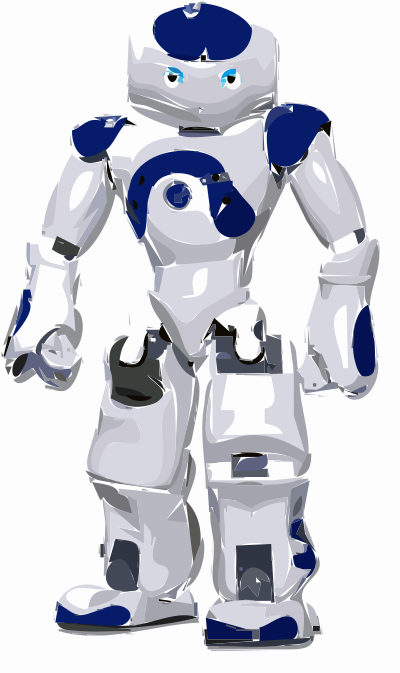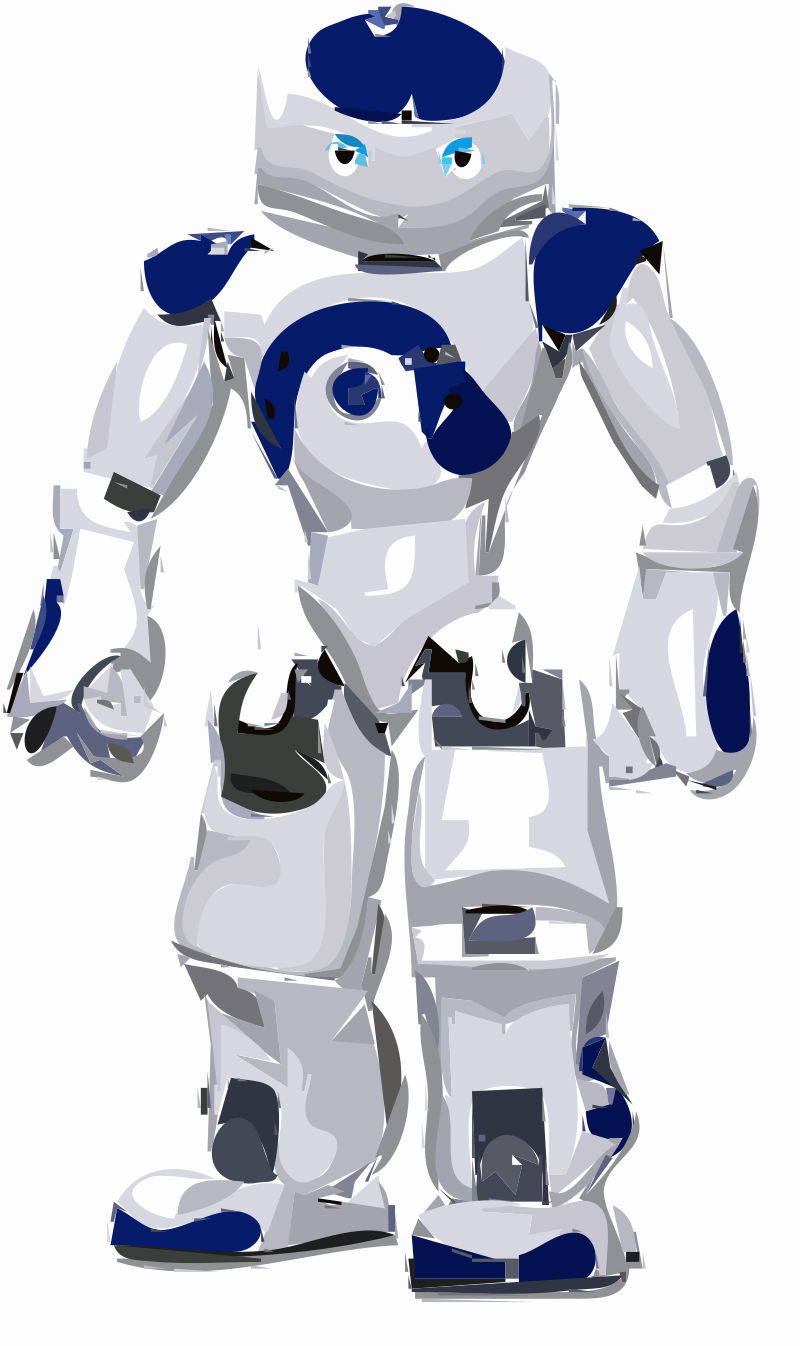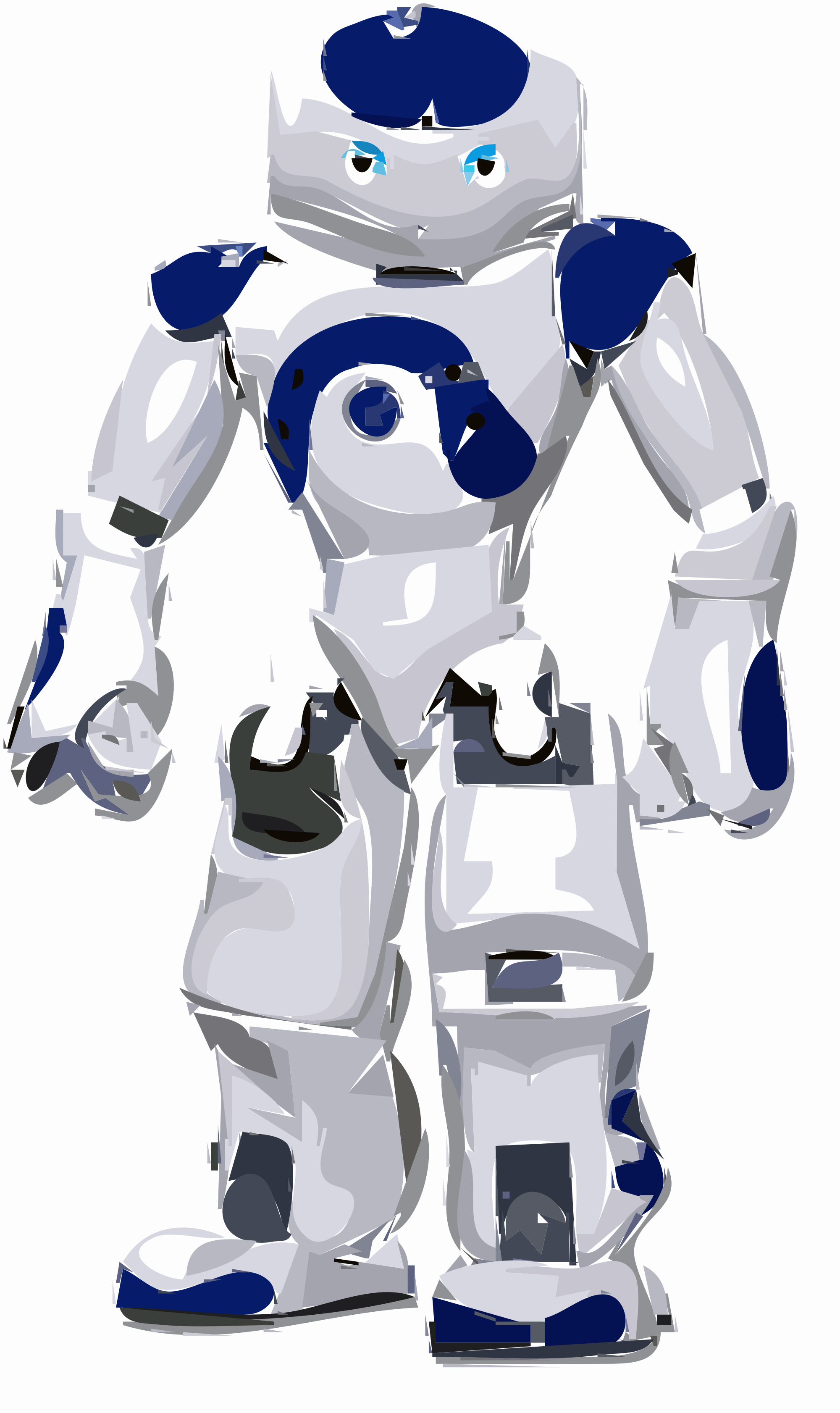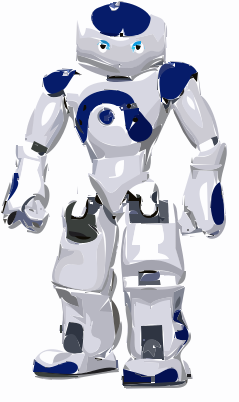
Robot Vectorized Klippeark
Computer & Technology
· etter squarehipster
CC0 (Public Domain)
CC0 Public Domain - gratis for privat og kommersiell bruk, ingen tilhørighet påkrevd.
Lisensbelagt →
Robot Vectorized - squarehipster (CC0 (Public Domain)), via Clipart.Free
Kreditt er valgfri - CC0 krever ingen.
Om dette bildet
Hi again, Thank you for the rapid reply to my previous request! The image looks very nice! However, I'm hoping for a solid stroke outline, something like a comic strip cartoon. Is that possible? I'm sorry for not being clear in the previous message. Thank you so much for your help! -Mike [image: Inline image 2]
| Dimensjoner | 239 × 402 px (SVG - scales to any size) |
|---|---|
| Filstørrelse | 53.8 KB SVG · PNG 400/800/2000 px |
| Lisens | CC0 (Public Domain) · Clipart- lisenser forklart |
| Artist | squarehipster |
| Kilde | Openclipart · Opprinnelig side → |
Merker
Må dette konverteres eller redigeres?
Gjør SVG til PDF, ICO eller WebP - eller endre PNG- størrelsen - med gratis konvertering til nett.
Friomformere →Bygge en app?
Hent dette bildet (og hele biblioteket) som JSON med en ledig API-nøkkel - 500 forespørsler/dag.
Klippe- API-dokumenter →
Like Clipart.Free? Del det
Ofte stilte spørsmål
Ja. «Robot Vectorized» er dedikert til offentlig sektor under CC0 1.0 - artisten ga avkall på all opphavsrett. Du kan laste ned, redigere, skrive ut og gjengi det for noe formål, personlig eller kommersiell, uten å spørre noen.
Ja. CC0 (Public Domain) kunstverk krever ingen tilmålelse og ingen avgift, selv i kommersielle verk - produkter, klientprosjekter, apps, emballering og utskrift. En kreditt er verdsatt men aldri nødvendig.
Hovedfila er en 239x402 px SVG- vektor (53.8 KB) som skalerer til enhver størrelse uten kvalitetstap. Ferdige gjennomsiktige PNG- er er tilgjengelige på 400, 800 og 2000 piksler bred - ingen registrering, uten vannmerke.
«Robot Vectorized» ble tegnet av squarehipster og delt på Openclipart under et offentlig dedikert dedikert område. Kildesiden er lenket i detaljene ovenfor - det er valgfritt å kreditere artisten, men en fin gest.
«Robot Vectorized» illustrerer dokumentasjon, opplæring, oppstartsdekk og app om bord på skjermer - og CC0 betyr at den kan sende seg inn i selve produktet.
Last ned SVG og åpne den i et gratis redigeringsprogram som Inkscape (skrivebord) eller et nettleserverktøy. Eller lim den inn i Figma med Kopier SVG - knappen. Alle former og farger kan endres, og din endrede versjon er din for å beholde eller selge.