RPG map Map Border (paper) க்ளிப்பார்ட்
Borders & Frames
· மூலம் nicubunu
CC0 (Public Domain)
CC0 Public Domain: free for personal and commercial use, no attribution required.
உரிமம் →
RPG map Map Border (paper) by nicubunu (CC0 (Public Domain)), via Clipart.Free
Credit is optional. CC0 requires none.
இந்த பிம்பத்தை பற்றி
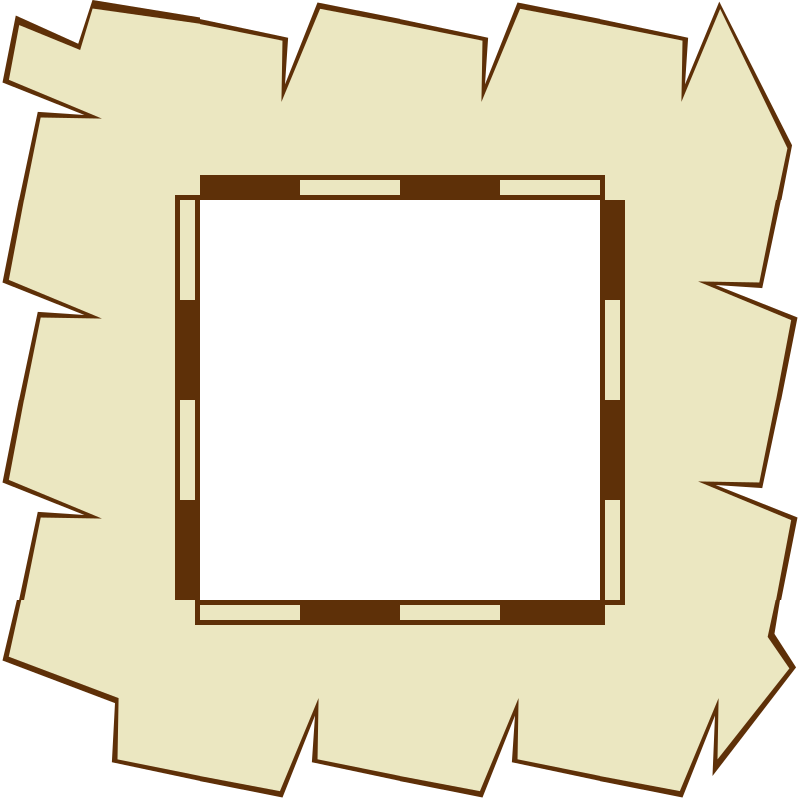
Role playing game map border tile.
| அளவுகள் | 160 × 160 px (SVG, scales to any size) |
|---|---|
| கோப்பு அளவு | 5.6 KB SVG · PNG 400/800/2000 px |
| உரிமம் | CC0 (Public Domain) · க்ளிப்பார்ட் உரிமங்கள் விளக்கம் |
| கலைஞர் | nicubunu |
| மூலங்கள் | Openclipart · மூல பக்கம் → |
குறிகள்
மாற்ற அல்லது தொகுக்க வேண்டுமா?
Turn the SVG into PDF, ICO or WebP (or resize the PNG) with free online converters.
இலவச கோப்பு மாற்றி →ஒரு பயன்பாட்டை உருவாக்குவது?
Fetch this image (and the whole library) as JSON with a free API key: 500 requests/day.
கிளிப்பார்ட் API ஆவணங்கள் →
காதல் Clipart.Free? பகிர்
அடிக்கடி கேட்கப்படும் கேள்விகள்
Yes. "RPG map Map Border (paper)" is dedicated to the public domain under CC0 1.0: the artist waived all copyright. You can download, edit, print and republish it for any purpose, personal or commercial, without asking anyone.
Yes. CC0 (Public Domain) artwork requires no attribution and no fee, even in commercial work: products, client projects, apps, packaging and print. A credit is appreciated but never required.
The master file is a 160x160 px SVG vector (5.6 KB) that scales to any size without quality loss. Ready-made transparent PNGs are available at 400, 800 and 2000 pixels wide, with no signup and no watermark.
"RPG map Map Border (paper)" was drawn by nicubunu and shared on Openclipart under a public-domain dedication. The source page is linked in the details above. Crediting the artist is optional but a nice gesture.
எஸ்விஜி "RPG map Map Border (paper)"ஐ எந்த தொகுப்பாளரிலும் உங்கள் பக்க அளவிற்கு அளவாக்கவும்; முனைகளை விட பக்கங்களை நீட்டிக்கவும், இதனால் அலங்காரங்கள் தங்கள் விகிதத்தை வைத்திருக்க முடியும். சான்றிதழ்கள் மற்றும் அழைப்பிதழ்களுக்கு மிகவும் பொருத்தமானது.
Download the SVG and open it in a free editor like Inkscape (desktop) or a browser tool, or paste it straight into Figma with the Copy SVG button. Every shape and color is editable, and your modified version is yours to keep or sell.