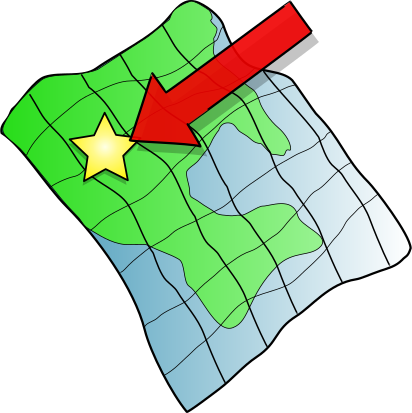
Ruffled Map Кліпарт
Flags & Maps
· па midkiffaries
CC0 (Public Domain)
CC0 Public Domain - бясплатна для асабістага і камерцыйнага выкарыстання, без патрабавання аўтарства.
Ліцэнзійны дагавор →
Ruffled Map - midkiffaries (CC0 (Public Domain)), via Clipart.Free
Усе звароты да мовы не патрабуюць CC0.
Пра гэтае відарыс
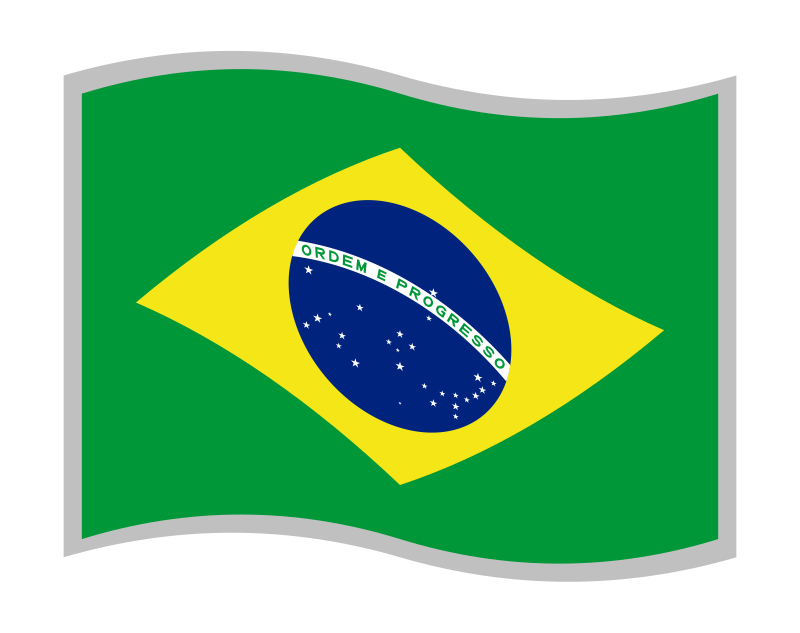
This is a simple generic map with a ruffled look to it, and an arrow pointing to a location.
| Памер | 412 × 413 px (SVG - scales to any size) |
|---|---|
| Памер файла | 10.1 KB SVG · PNG 400/800/2000 px |
| Ліцэнзія | CC0 (Public Domain) · Ліцэнзіі на малюнкі |
| Выканаўца | midkiffaries |
| Крыніца | Openclipart · Першая старонка → |
& Тэчкі
Неабходна пераўтварыць або змяніць?
Пераўтварыць SVG у PDF, ICO або WebP - або змяніць памер PNG - з бясплатнымі онлайн-канвэртарамі.
Свабодныя канвэртары файлаў →Стварэнне праграмы?
Атрымаць гэты вобраз (і ўсю бібліятэку) як JSON з бясплатным ключом API - 500 запытаў/дзень.
Кліпарт API дакументацыі →
Любоў Clipart.Free? Падзяліцца
Частыя пытанні
Так. "Ruffled Map" знаходзіцца ў грамадскім дамене па ліцэнзіі CC0 1. 0 - аўтар адмовіўся ад усіх аўтарскіх правоў. Вы можаце спампаваць, змяніць, надрукаваць і перавыдаць яго для любых мэтаў, асабістых ці камерцыйных, без пытаньня.
Так. CC0 (Public Domain) малюнкі не патрабуюць ніякіх спасылак і не патрабуюць плацяжу, нават у камерцыйных працах - прадуктах, кліенцкіх праектах, праграмах, пакунках і друку. Спісы карыстальнікаў цэняцца, але ніколі не патрабуюцца.
Галоўны файл - гэта SVG- вектор 412x413 пікселяў (10.1 КБ), які можна змяніць да любога памеру без страты якасці. Гатовае прастакутнае PNG даступна ў памерах 400, 800 і 2000 пікселяў шырыні - без падпіскі, без вадзянога знака.
"Ruffled Map" напісана midkiffaries і падзелена на Openclipart пад грамадскім дазволам. На старонку з крыніцай спасылкі ў падрабязнасцях вышэй - згадаць аўтара не абавязкова, але гэта прыемна.
"Ruffled Map" падыходзіць для класных пакояў, падарожжаў, табліц кіравання і інфаграфік. Дызайны сцягоў звычайна не падлягаюць аўтарскім правам, і гэтае адлюстраванне з' яўляецца грамадскім даменам.
Загрузіць SVG і адкрыць яго ў рэдактары, такім як Inkscape (настольны) або ў браўзэры - або ўстаўце яго ў Figma з дапамогай кнопкі "Капіяваньне SVG". Кожная форма і колер рэдагуецца, і змененая версія можа быць захавана або прададзена.