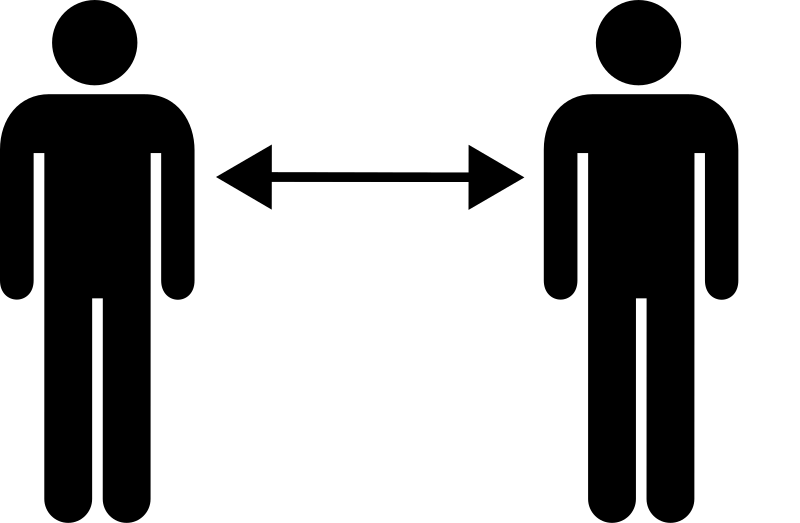
Social distancing 2m gap Clipart
Health & Medical
· by nerdy
CC0 (Public Domain)
CC0 Public Domain - free for personal and commercial use, no attribution required.
License deed →
Social distancing 2m gap - nerdy (CC0 (Public Domain)), via Clipart.Free
Credit is optional - CC0 requires none.
About this image
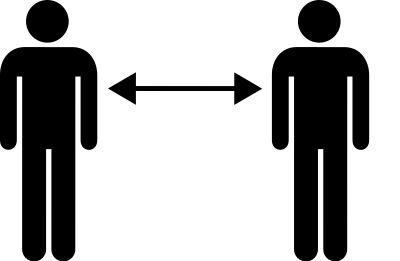
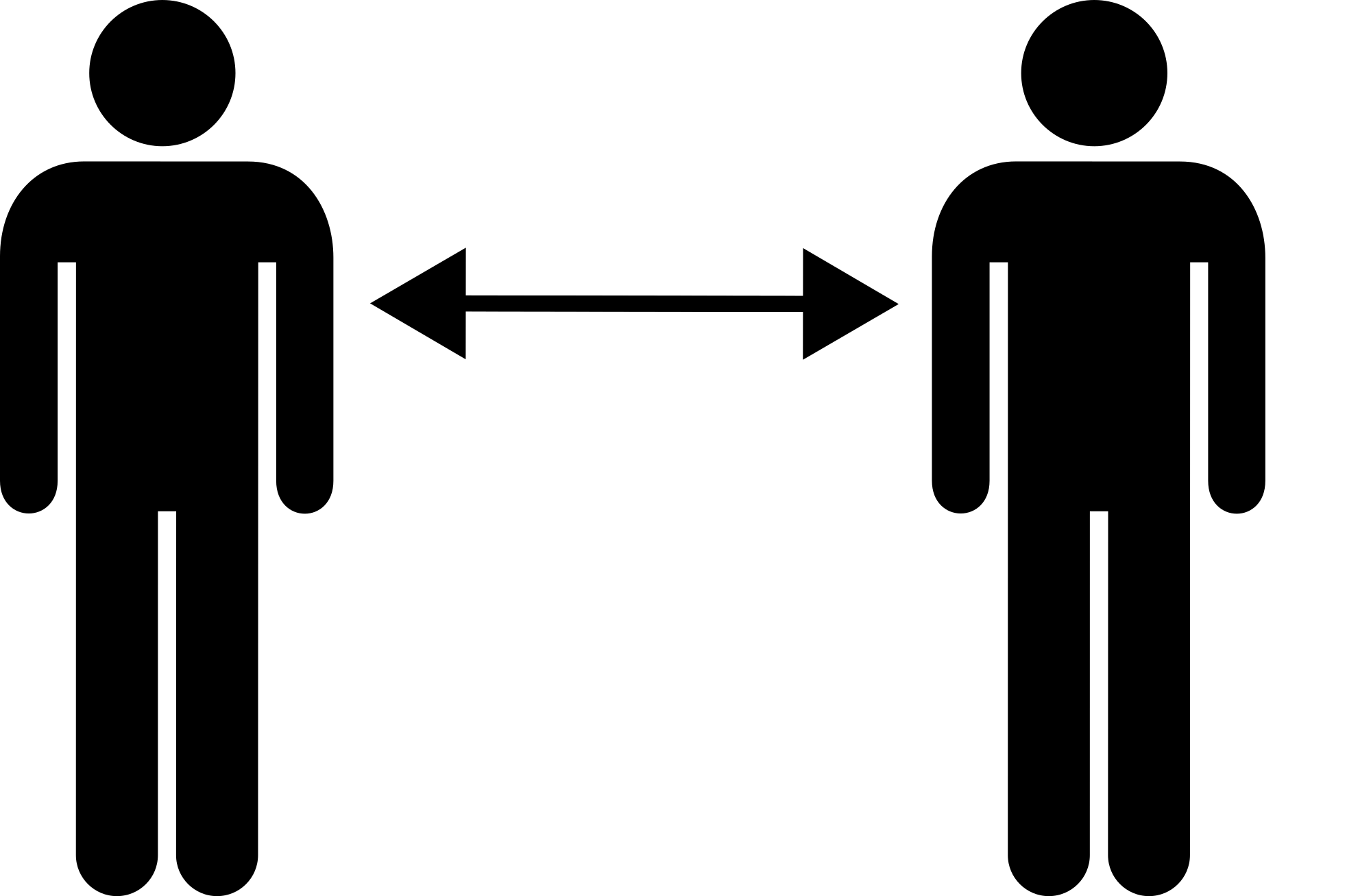
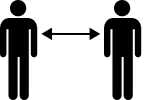
Two silhouette figures with a gap between them and arrows showing to keep 2 metres apart
| Dimensions | 153 × 100 px (SVG - scales to any size) |
|---|---|
| File size | 2.0 KB SVG · PNG 400/800/2000 px |
| License | CC0 (Public Domain) · Clipart licenses explained |
| Artist | nerdy |
| Source | Openclipart · Original page → |
Tags
Need to convert or edit this?
Turn the SVG into PDF, ICO or WebP - or resize the PNG - with free online converters.
Free file converters →Building an app?
Fetch this image (and the whole library) as JSON with a free API key - 500 requests/day.
Clipart API docs →
Love Clipart.Free? Share it
Frequently asked questions
Yes. "Social distancing 2m gap" is dedicated to the public domain under CC0 1.0 - the artist waived all copyright. You can download, edit, print and republish it for any purpose, personal or commercial, without asking anyone.
Yes. CC0 (Public Domain) artwork requires no attribution and no fee, even in commercial work - products, client projects, apps, packaging and print. A credit is appreciated but never required.
The master file is a 153x100 px SVG vector (2.0 KB) that scales to any size without quality loss. Ready-made transparent PNGs are available at 400, 800 and 2000 pixels wide - no signup, no watermark.
"Social distancing 2m gap" was drawn by nerdy and shared on Openclipart under a public-domain dedication. The source page is linked in the details above - crediting the artist is optional but a nice gesture.
"Social distancing 2m gap" works in patient handouts, clinic signage, health-class material and wellness apps - commercial healthcare use is fully permitted.
Download the SVG and open it in a free editor like Inkscape (desktop) or a browser tool - or paste it straight into Figma with the Copy SVG button. Every shape and color is editable, and your modified version is yours to keep or sell.