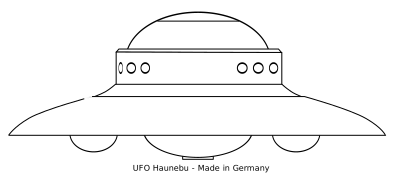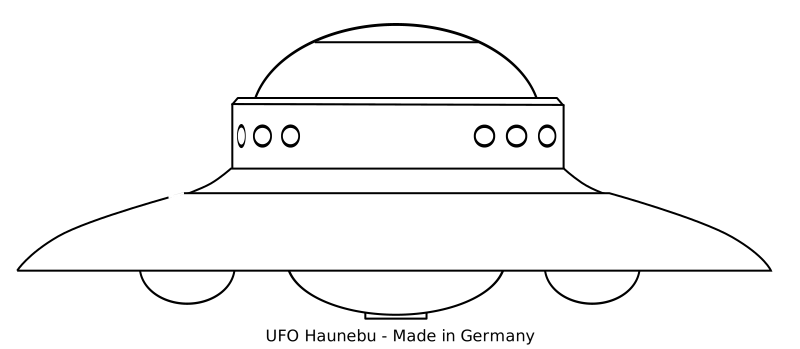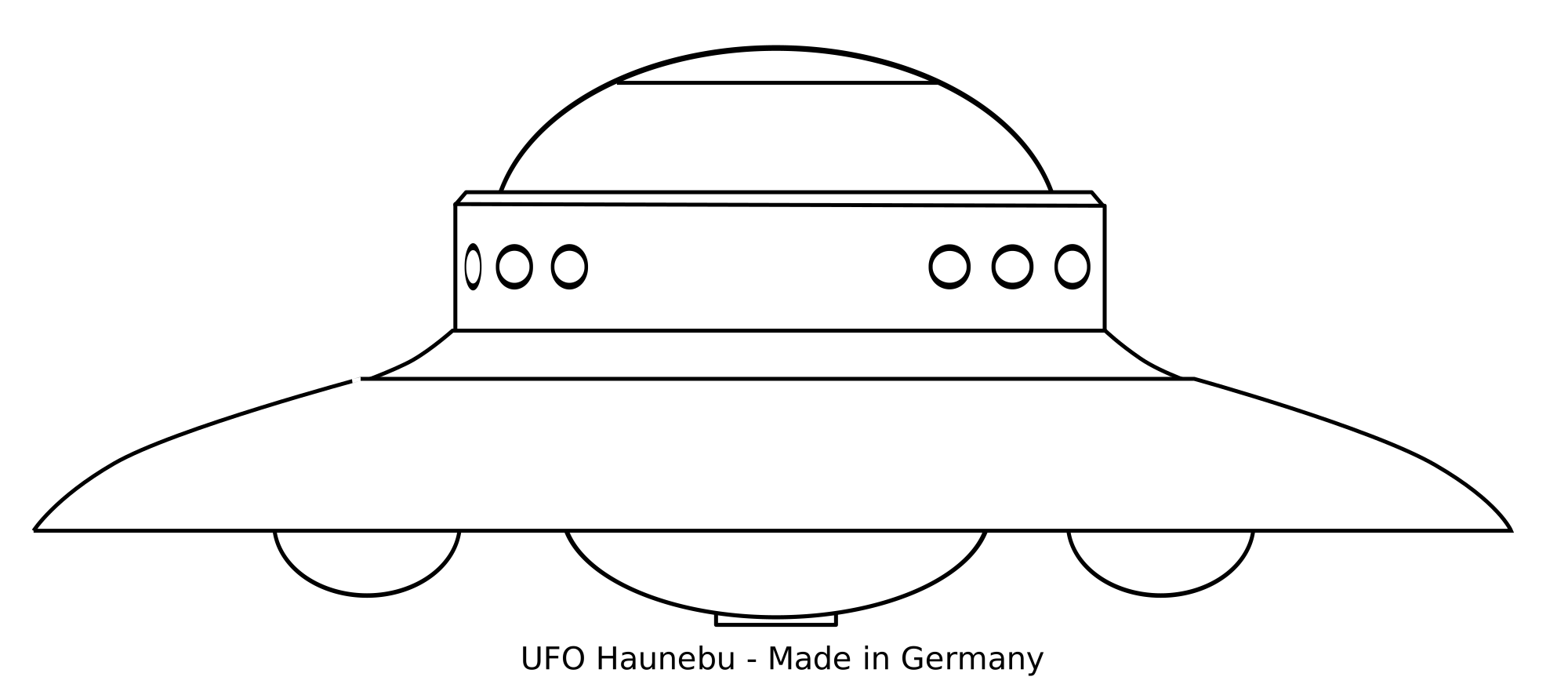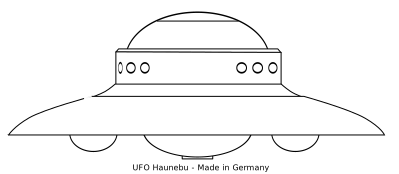
UFO Haunebu II 클립아트
Signs & Symbols
· 로 zlatkodesign
UFO Haunebu II - zlatkodesign (CC0 (Public Domain)), via Clipart.Free
크레딧은 선택사항입니다 - CC0은 필요하지 않습니다.
이 이미지에 관하여
Real UFO blueprint, made from world war II Germans documents, project Haunebu.
| 치수 | 399 × 174 px (SVG - scales to any size) |
|---|---|
| 파일 크기 | 3.4 KB SVG · PNG 400/800/2000 px |
| 라이선스 | CC0 (Public Domain) · 클립아트 라이선스 설명 |
| 음악가 | zlatkodesign |
| 소스 | Openclipart · 원본 페이지 → |
태그
자주 묻는 질문
예. "UFO Haunebu II"는 CC0 1.0에 따라 퍼블릭 도메인으로 전용되어 있습니다. 작가는 모든 저작권을 포기했습니다. 누구에게도 물어보지 않고 개인적이든 상업적이든 어떤 목적으로든 다운로드, 편집, 인쇄 및 재게시할 수 있습니다.
예. CC0 (Public Domain) 아트워크는 상업적 작업에서도 크레딧이 필요하지 않으며 수수료가 없습니다. 제품, 고객 프로젝트, 앱, 포장 및 인쇄. 크레딧은 감사하지만 절대 필요하지 않습니다.
마스터 파일은 399x174 px SVG 벡터 (3.4 KB) 로 품질 손실 없이 어떤 크기로든 확대할 수 있습니다. 준비된 투명 PNG는 400, 800, 2000 픽셀 폭으로 사용할 수 있습니다. - 가입이나 워터마크가 필요하지 않습니다.
"UFO Haunebu II"는 zlatkodesign이 그렸으며 Openclipart에서 퍼블릭 도메인 헌정으로 공유되었습니다. 소스 페이지는 위의 세부 사항에 링크되어 있습니다. 아티스트의 크레딧은 선택 사항이지만 좋은 제스처입니다.
"UFO Haunebu II"는 패비콘에서 바닥 표지판으로 깔끔하게 확장됩니다. 규제 안전 표지판의 경우 현지 표준(ISO 7010/OSHA)을 확인하십시오. 다른 모든 경우에는 현재 상태로 준비되어 있습니다.
SVG 파일을 다운로드하고 Inkscape(데스크탑) 또는 브라우저 도구와 같은 무료 편집기에서 열거나 SVG 복사 버튼을 눌러 Figma에 직접 붙여넣으십시오. 모든 모양과 색상은 편집 가능하며 수정된 버전은 보관하거나 판매할 수 있습니다.