US - China Relations Clintar
Business & Finance
· por j4p4n
CC0 (Public Domain)
CC0 Public Domain - gratuito para uso pessoal e comercial, não é necessária atribuição.
Acto de licença →
US - China Relations - j4p4n (CC0 (Public Domain)), via Clipart.Free
O crédito é opcional - CC0 não requer nenhum.
Sobre esta imagem
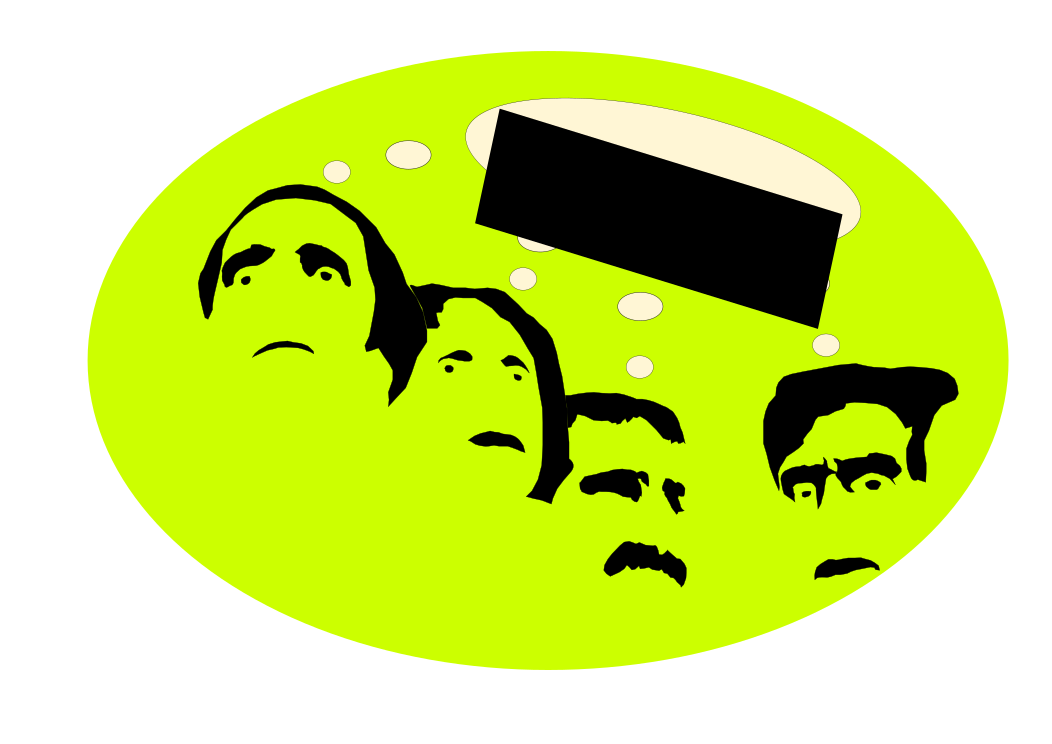
I realized it might be good to depict US - China relations or lack of relations... in any case something symbol in that way
| Dimensões | 1107 × 567 px (SVG - scales to any size) |
|---|---|
| Tamanho do ficheiro | 18.3 KB SVG · PNG 400/800/2000 px |
| Licença | CC0 (Public Domain) · Licenças explicadas de clipart |
| Artista | j4p4n |
| Fonte | Openclipart · Página original → |
Etiquetas
Precisa converter ou editar isto?
Transforme o SVG em PDF, ICO ou WebP - ou dimensione o PNG - com conversores online gratuitos.
Conversores de arquivos livres →Construir um aplicativo?
Obter esta imagem (e toda a biblioteca) como JSON com uma chave API gratuita - 500 pedidos/dia.
Docs da API Clintart →Perguntas mais frequentes
Sim. «US - China Relations»" é dedicado ao domínio público sob CC0 1.0 - o artista renunciou a todos os direitos autorais. Você pode baixar, editar, imprimir e republicá-lo para qualquer finalidade, pessoal ou comercial, sem perguntar a ninguém.
Sim. A obra de arte CC0 (Public Domain) não requer atribuição e não cobra, mesmo em trabalho comercial - produtos, projetos de clientes, aplicativos, embalagem e impressão. Um crédito é apreciado, mas nunca requerido.
The master file is a 1107x567 px SVG vector (18.3 KB) that scales to any size without quality loss. Ready-made transparent PNGs are available at 400, 800 and 2000 pixels wide - no signup, no watermark.
A «US - China Relations» foi desenhada por j4p4n e compartilhada no Openclipart sob uma dedicação pública-dominio. A página de origem está ligada nos detalhes acima - crédito do artista é opcional, mas um gesto agradável.
A «US - China Relations» pertence a decks, relatórios, painels e infográficos - e ao contrário da arte do stock-site, pode enviar em modelos e produtos que você vende.
Baixe o SVG e abra-o em um editor gratuito como Inkscape (desktop) ou uma ferramenta do navegador - ou cole-o diretamente em Figma com o botão Copy SVG. Cada forma e cor é editável, e sua versão modificada é sua para manter ou vender.