Warning Frame Klipọn
Borders & Frames
· site na j4p4n
CC0 (Public Domain)
CC0 Public Domain - ọbụla maka ojieme na ọrụ azụmahịa, enweghị ngosipụta chọrọ.
Ikikere →
Warning Frame - j4p4n (CC0 (Public Domain)), via Clipart.Free
Nnọọ bụ nke nkịtị - CC0 chọrọ ọbụla.
N'ihe banyere inyogo a
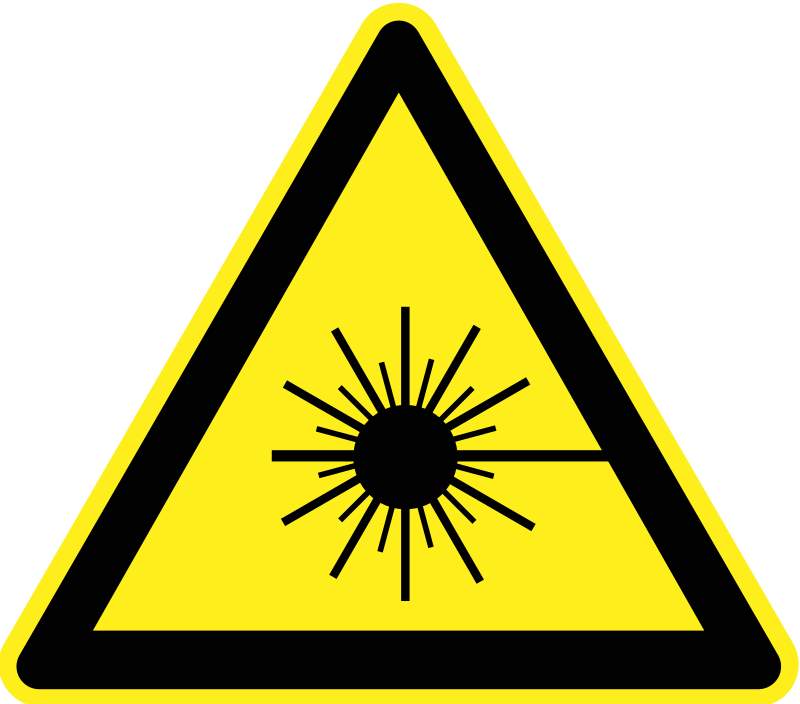
A simple warning border frame...
| Dìmánìks | 975 × 1054 px (SVG - scales to any size) |
|---|---|
| Ụhara faịlụ | 144.6 KB SVG · PNG 400/800/2000 px |
| Ikikere | CC0 (Public Domain) · Nkọwapụtala ikikembanye Clipart |
| Ọrụ | j4p4n |
| Òtù | Openclipart · Ihu ndị ahụ → |
Tags
Ịchọrọ ịgbanwe mọọbụ dezie nke a?
Kpọnye SVG na PDF, ICO mọọbụ WebP - mọọbụ megharịa nha PNG - na ndị na-atụgharị n'ịntanetị.
Faịlụ ndị na-atụgharị →Ńkwádó usoroiheomume?
Kpụga inyogo a (nakwa laịibụra ahụ dum) dịka JSON na kii API ọbụla - 500 nkwekọrịta/ụbọchị.
Dọkumenti ndị ahụ →
Love Clipart.Free? Kpọnye ya
Ajụjụ ndị a na-ajụkarị
Ee. "Warning Frame" e depụtara maka ebe obibi ndị mmadụ n'okpuru CC0 1.0 - onye ọkpụkpọ ahụ wepụrụ ikikembanye niile. I nwere ike ibudata, gbanwee, bipụta na wepụta ya ọzọ maka ihe ọbụla, nke onwe mọọbụ nke azụmahịa, na-enweghị ịjụ onye ọ bụla.
Ee. CC0 (Public Domain) artwork chọrọ enweghị ntọala na enweghị ụgwọ, ọbụna na ọrụ azụmahịa - ngwaahịa, ọrụ ndị ahịa, ngwaike, mbubata na mbipụta. A na-ahụta ya ma ọ dịghị mkpa.
Faịlụ maịst bụ 975x1054 px SVG vektor (144.6 KB) nke na-egosipụta n'ụhara ọbụla n'enweghị nkwụsị nke ogo. PNGs na-egosipụta ihe dị n'ime dị na 400, 800 na 2000 pikseli ọ̀sọ - enweghị nbanye, enweghị wáráị̀m.
"Warning Frame" a dọrọ ya site na j4p4n ma webata ya na Openclipart n'okpuru ndozi nke mpagharaogologo nke obodo. Ihu ndị ahụ bụ njikọ na nkọwa n'elu - ịnabata onye ọlụlụ bụ ihe n'aka ma ọ bụ n'ụzọ dị mma.
Nhazi SVG nke "Warning Frame" ka ọ bụrụ ụhara ihuakwụkwọ gị n'ọbụla nhazie; kpụga n'akụkụ n'ebe ọbụla n'ihi na ọbụla n'ebe ahụ ka ọbụla n'ime ihenhọrọ ahụ na-echekwa n'ihe dị n'ime ya. Ọ dị mma maka asambodo na nleta.
Bubata SVG ahụ ma mepee ya n'ime onyenhọrọ ọbụla dị ka Inkscape (desktọ́ọ̀pụ̀) mọọbụ nchọgharị tùlè - mọọbụ pịa ya n'ime Figma site na bọtịn Debata SVG. Ogo na agba niile bụ nke a ga-edezi, nakwa mbido nke agbanwere gị bụ nke gị ka ị na-echekwa mọọbụ zụta.