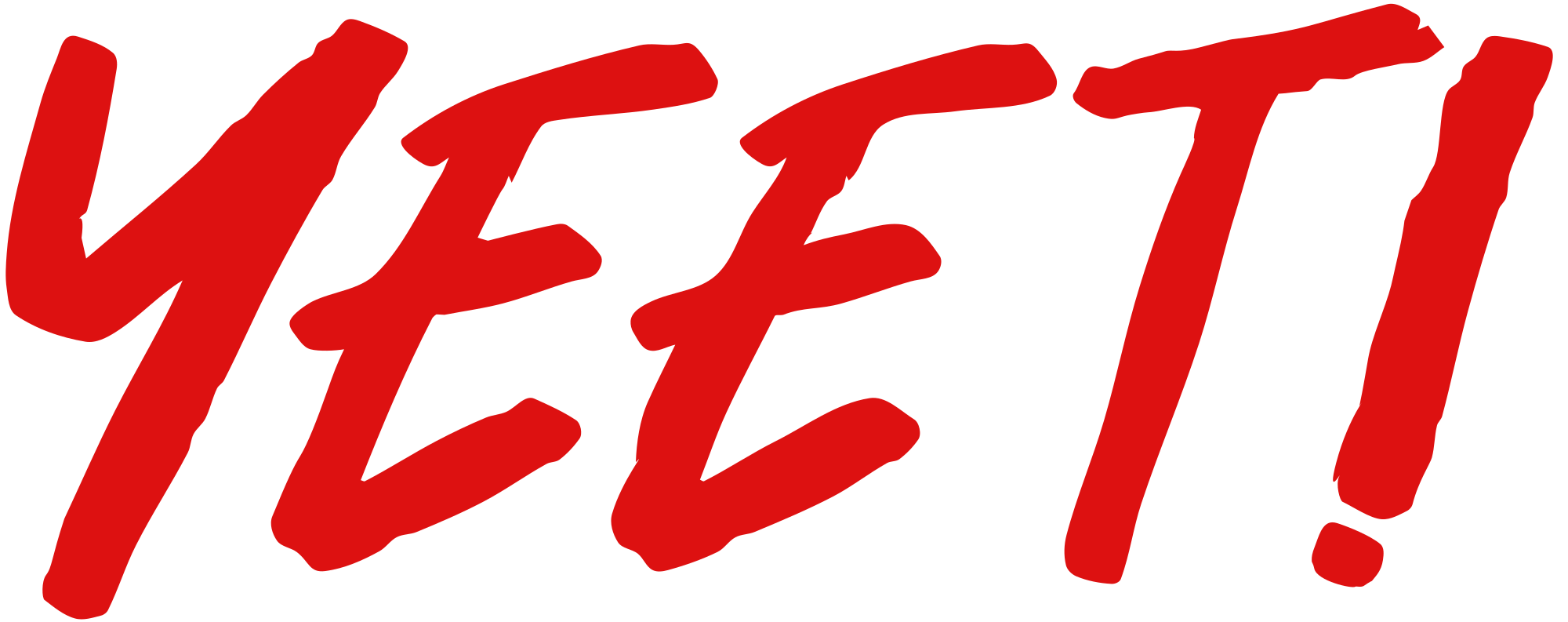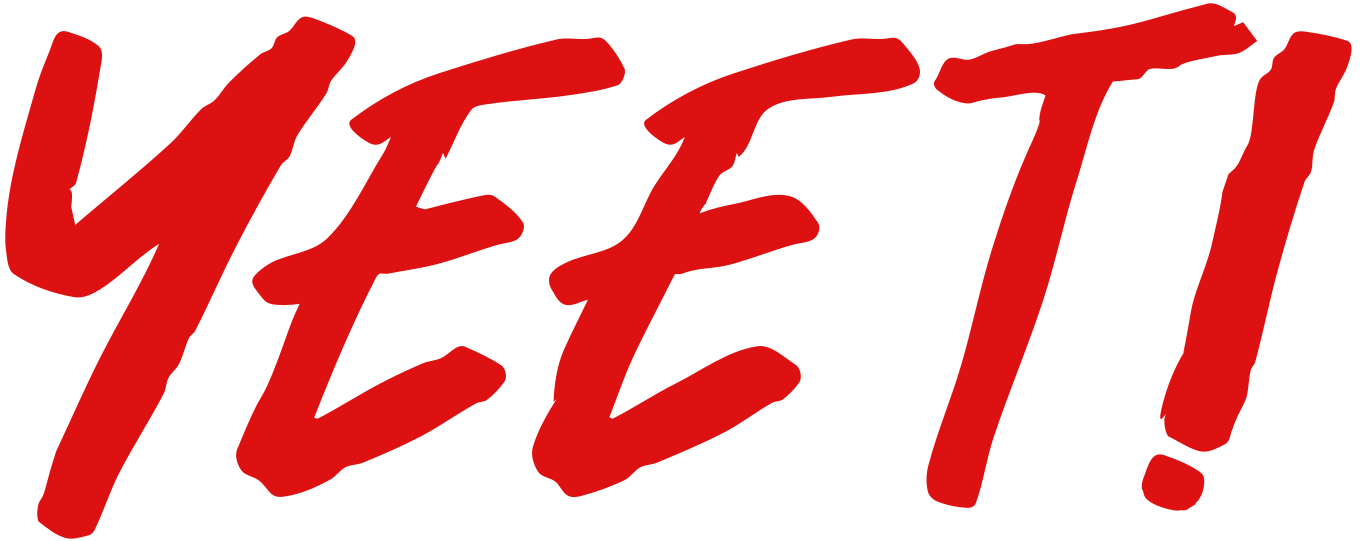
Yeet! in red brush script Gearrthaisce
Arts & Entertainment
· ag nerdy
⬇ Íosluchtaigh SVG
✓ Íoslódáil saor in aisce - gan aon chlárú, gan aon chomhartha uisce
CC0 (Public Domain)
CC0 Public Domain - saor in aisce le haghaidh úsáide pearsanta agus tráchtála, gan aon chreidmheas ag teastáil.
Gníomhas ceadúnais →
Yeet! in red brush script - nerdy (CC0 (Public Domain)), via Clipart.Free
Tá creidiúint roghnach - ní éilíonn CC0 aon cheann.
Maidir leis an íomhá seo
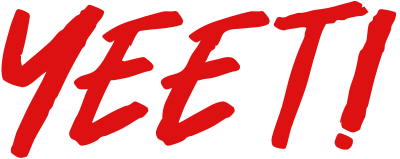
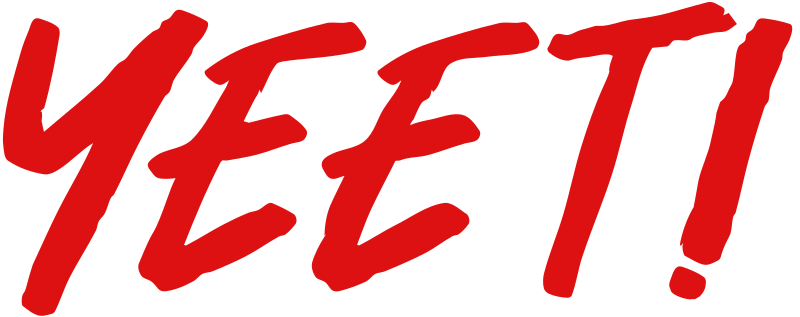
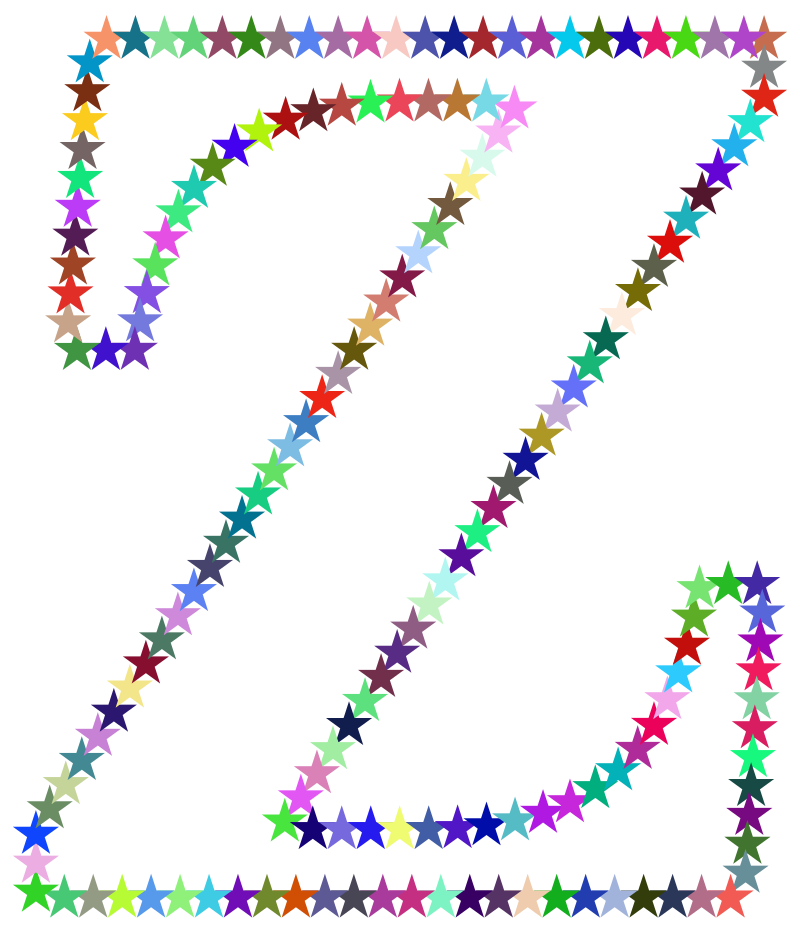
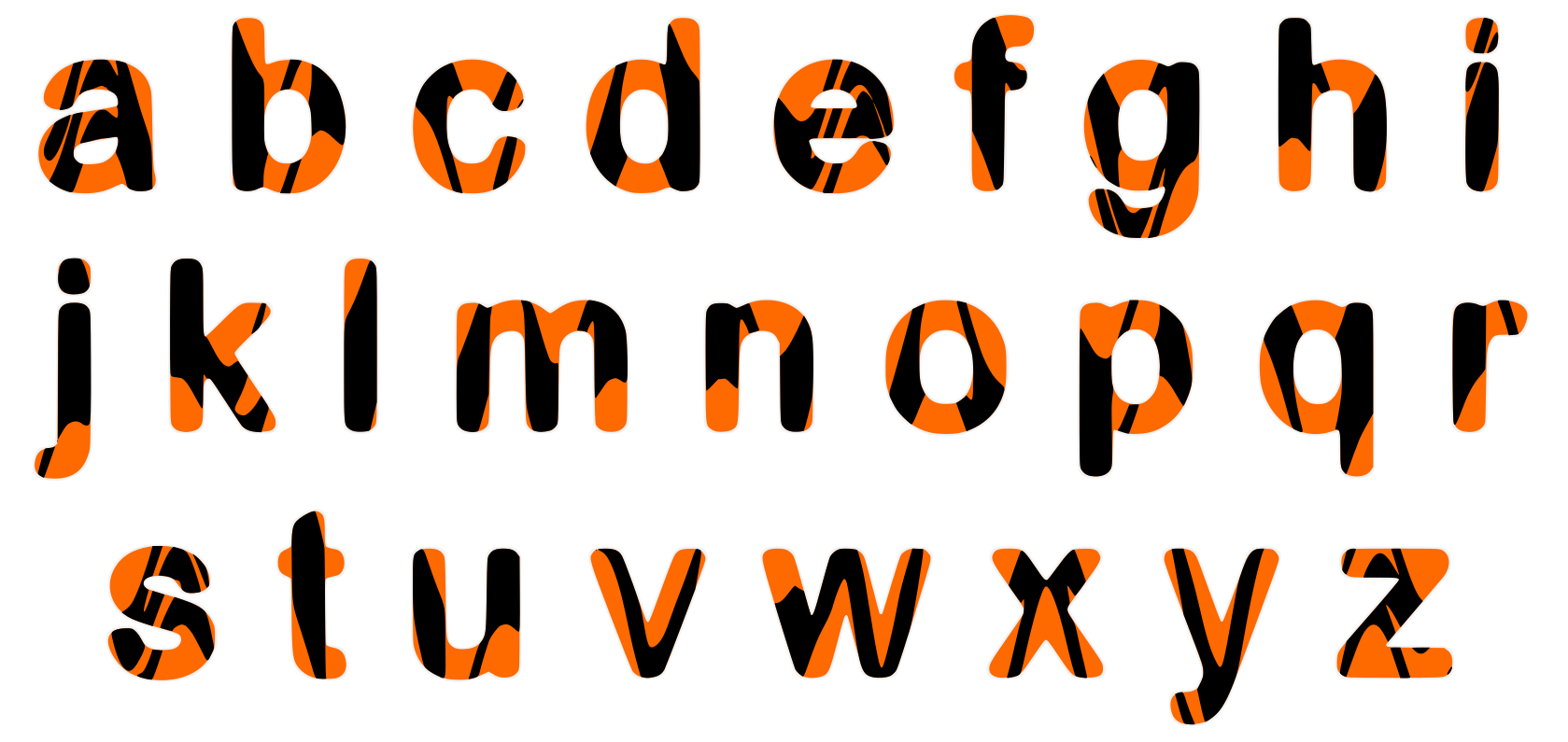
Yeet! in solid red brush script effect. Modified from the freeware Hey November Font by Khurasan, with ! added, lots of smoothing on the outline and white strokes removed. Initial tracing in Linearly Curve app.
| Toisí | 1365 × 541 px (SVG - scales to any size) |
|---|---|
| Méid an chomhaid | 10.8 KB SVG · PNG 400/800/2000 px |
| Ceadúnas | CC0 (Public Domain) · Míniú ar cheadúnais ghearrthóg |
| Ealaíontóir | nerdy |
| Foinse | Openclipart · Bunleathanach → |
Clibeanna
An riachtanas is gá a thiontú nó a chur in eagar seo?
Cas an SVG isteach i PDF, ICO nó WebP - nó athraigh méid an PNG - le tiontaire ar líne saor in aisce.
Tiontairí comhaid saor in aisce →Ag tógáil app?
Faigh an íomhá seo (agus an leabharlann ar fad) mar JSON le heochair API saor in aisce - 500 iarratas/lá.
Doiciméadú API Gearrthaisce →Ceisteanna Coitianta
Tá. Tá "Yeet! in red brush script" tiomanta don fhearann poiblí faoi CC0 1.0 - tarscaoil an t-ealaíontóir gach cóipcheart. Is féidir é a íosluchtú, a chur in eagar, a phriontáil agus a athfhoilsiú chun críche ar bith, pearsanta nó tráchtála, gan ceist a chur ar dhuine ar bith.
Tá. Ní gá aon leithdháileadh agus aon táille a bheith ag obair ealaíne CC0 (Public Domain), fiú in obair tráchtála - táirgí, tionscadail chliaint, apps, pacáistiú agus priontáil. Tá meas ar chreidmheas ach ní gá é.
The master file is a 1365x541 px SVG vector (10.8 KB) that scales to any size without quality loss. Ready-made transparent PNGs are available at 400, 800 and 2000 pixels wide - no signup, no watermark.
Tarraingíodh "Yeet! in red brush script" ag nerdy agus comhroinntear é ar Openclipart faoi thiomnú fearainn phoiblí. Tá nasc leis an leathanach foinse sna sonraí thuas - níl sé de dhíth an t-ealaíontóir a chreidmheas ach is dea-ghéilleadh é.
"Yeet! in red brush script" maisíonn bróisiúir imeachtaí, promos gailearaí, oícheanna cluiche agus ábhar rang cruthaitheach - imeachtaí íoctha san áireamh.
Íoslódáil an SVG agus é a oscailt in eagarthóir saor in aisce cosúil le Inkscape (deasc) nó uirlis bhrabhsálaí - nó greamaigh é díreach isteach i Figma leis an gcnaipe Cóipeáil SVG. Tá gach cruth agus dath in-eagar, agus tá do leagan modhnaithe agat chun é a choinneáil nó a dhíol.